Learning Module: Communities
New to Delta is the Communities screen. You can use this to establish communities of practice, centers of excellence, and other project- and program-oriented groups, as well as promote knowledge sharing across teams.
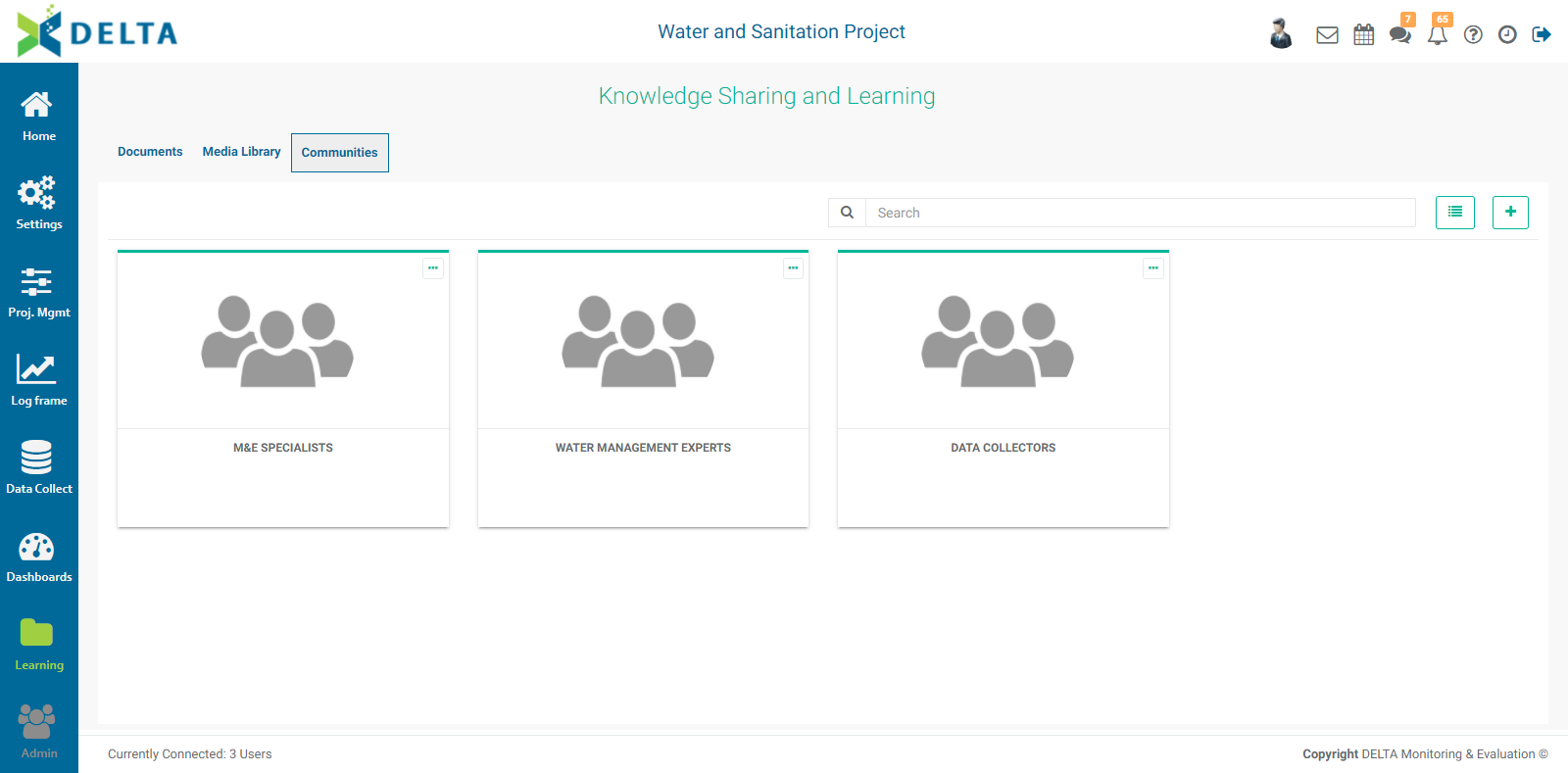
This can be especially useful if persons collaborating on a project are not collocated in the same physical space, or if they don’t know each other very well and need assistance on particular aspects of a project. Using Communities can make it much easier to find a resource person on a given topic of field of expertise.
To create a community, click the + icon at top right of the Communities screen to open the Edit Community screen.
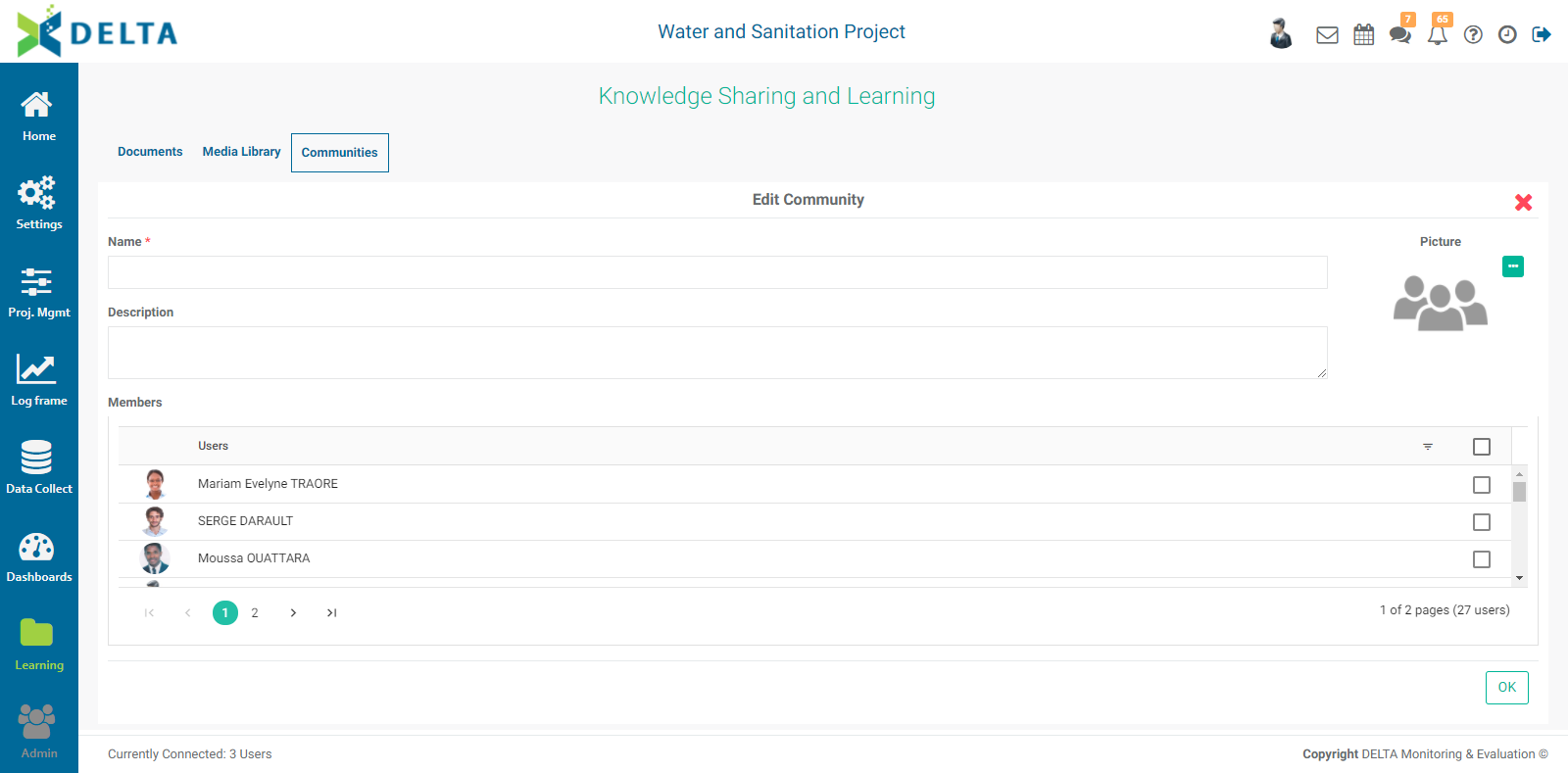
Enter a name for the community (mandatory), and a description (optional but recommended). Select a picture for the community, if desired. Click the More icon next to the generic group graphic, navigate to the desired image, and press Enter or click Open.
Select the members of the community from the list of project stakeholders, and click OK when you’re done to save your work and return to the Communities screen.
To edit or delete a community, click its More icon (either in the upper right corner of its tile or in the toolbar of its list item, depending on the selected view), and choose which action you want to perform.
Previous: Learning Module: Media Library | Next: Admin Module: Users