PM: Activities: Notes
The Activities Note screen contains a full-feature text editor which includes styles, fonts, lists, tables, links, pictures, videos, and its own help system. This functionality appears throughout Delta. For activities, the Notes tab is located under the Activity Settings screen More button.
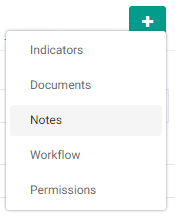
Select Notes from the menu to show the Notes tab, then click the tab to show the Notes screen proper.
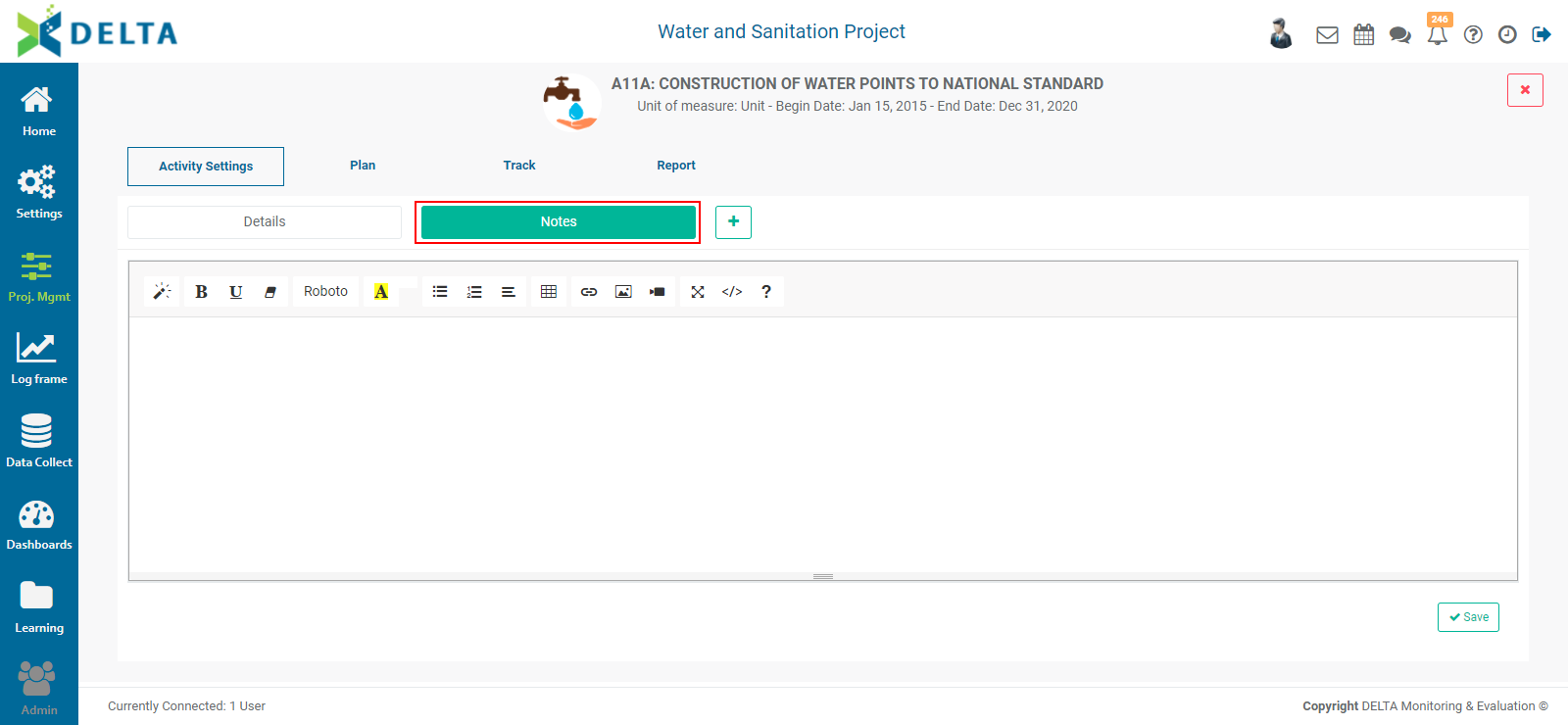
After you've entered a note, click the Save button at lower right. You can add to the note by reentering this tab at any time. It is a best practice to manually timestamp and add your initials or name to a note, so that other users know when and who wrote the note.
Previous: PM: Activities: Documents | Next: PM: Activities: Workflows