Forms Analytics: Using Forms Analytics as Inputs to Indicators
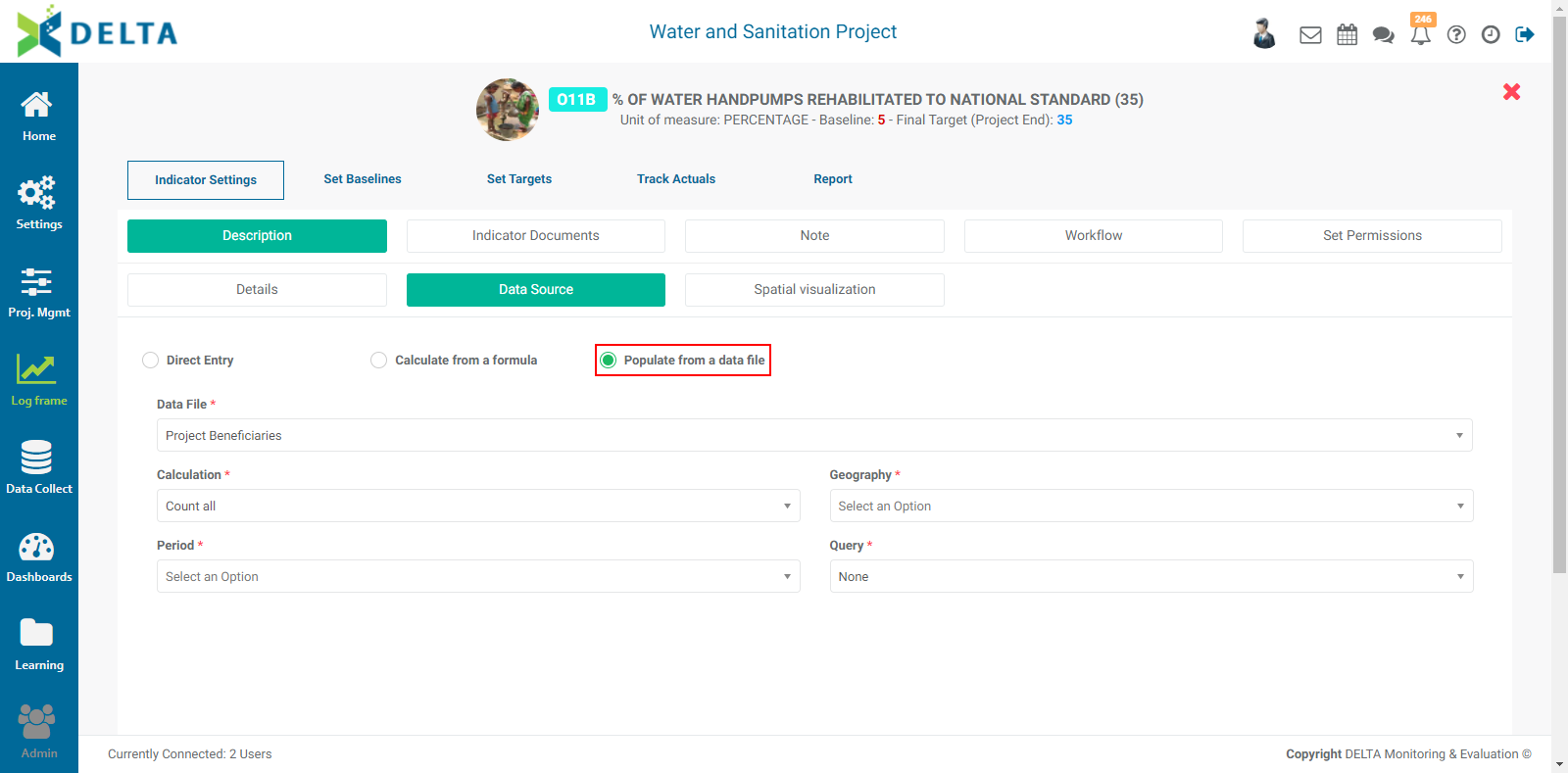
As described in the Indicators: Creating Indicators: Data Source article, one of the options for an indicator data source is Populate From A Data File. This refers to the use of a data collection forms analytics report as input to an indicator.
NOTE: using this option assumes the existence of:
- at least one data collection form in the project's Data Collection module. The Data File field is populated from the list of forms.
- at least one field of type Date in the selected data collection form. The Date fields in the form populate the Period field. This field is usually the date of collection of the data entry.
- at least one field containing geography information in the selected data collection form, either a GPS field or a List field with the Locations preset selected in its parameters.
- at least one set of analytics report derived from the selected data collection form after it has been populated with data. The reports populate the Query field in the Data Source screen.
Note that if a location is not georeferenced in the Locations list, it will not appear in geospatial reports.
Previous: Forms Analytics: Map Reports | Next: Dashboards Module