Indicators: Set Permissions
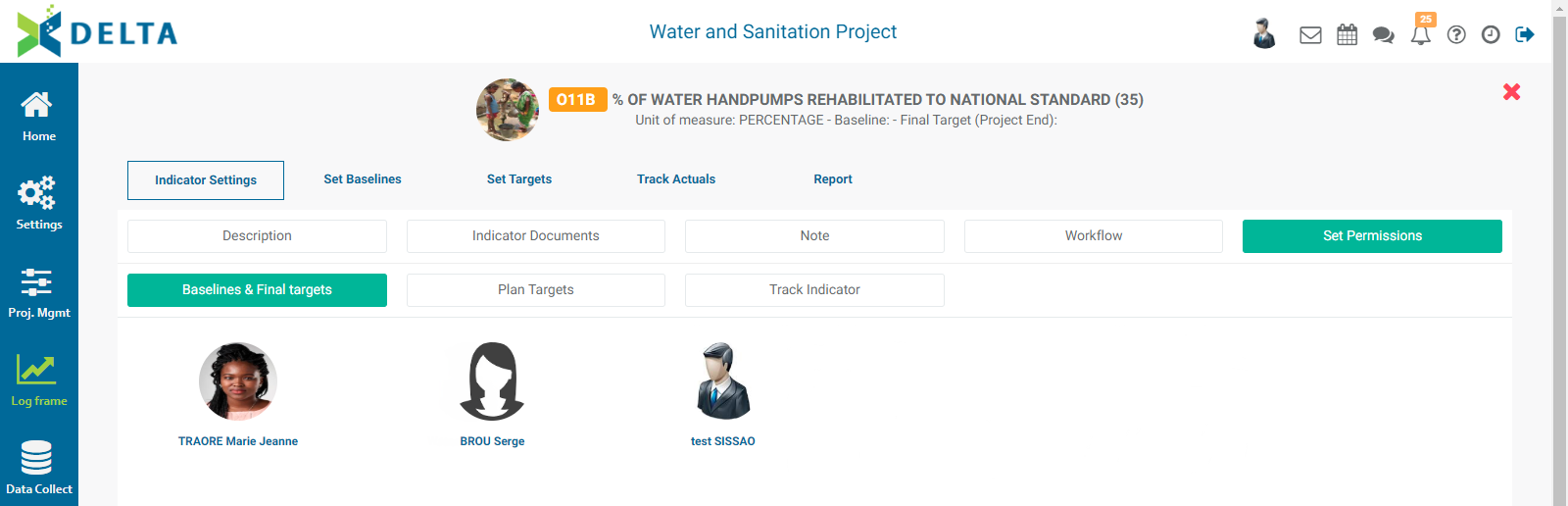
The next tab in the Indicator Settings group is Set Permissions. This allows setting the access permissions to each indicator for three tasks: Baselines & Final Targets, Plan Targets, and Track Indicator.
To grant permissions, select the desired task, then select the appropriate user(s), and click OK when you're done. NOTE: superusers do not appear in the Set Permissions screens since they have explicit permissions for the entire system.
Previous: Indicators: Workflows | Next: Indicators: Set Baselines