Data Collection: Send Link for External Data Entry
Delta supports offline as well as remote data collection.
Offline data collection refers to data collected while the person charged with data collection is out of range of a network, or using another tool to collect the data and converting it for import via an Excel spreadsheet.
Remote data collection makes a form available to users which are not in the system.
From the Data Collection module, open the desired form by clicking its name in the list.
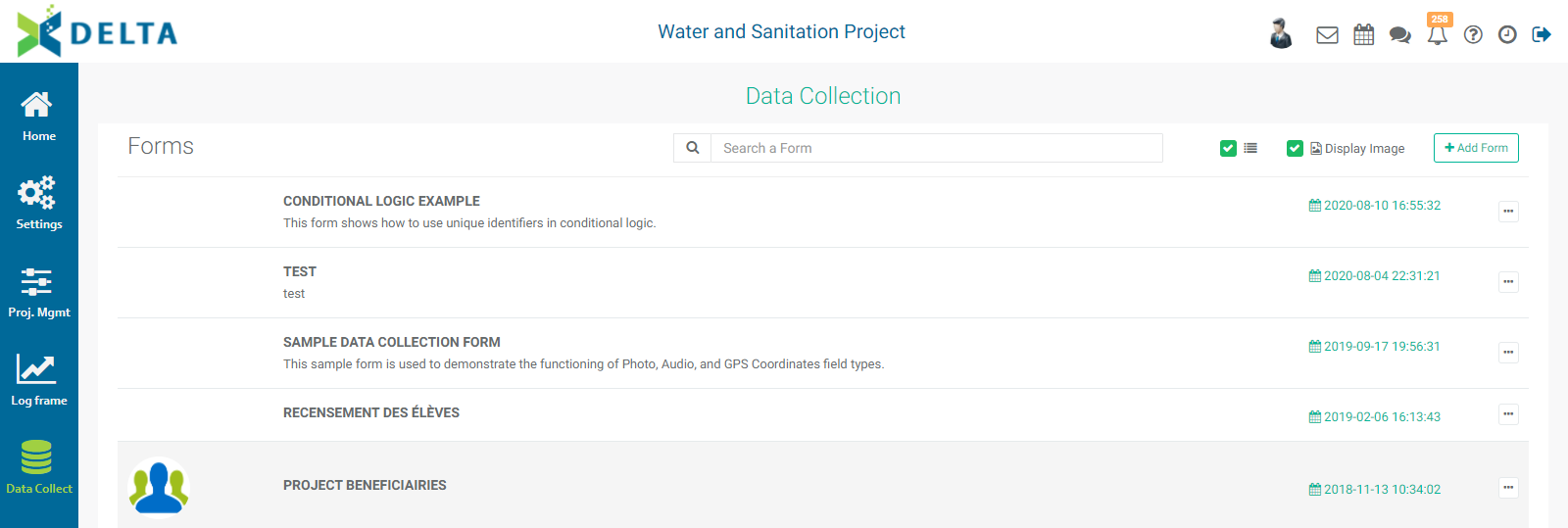
Click the Collect Data tab, and select Send Link For External Data Entry from the menu.
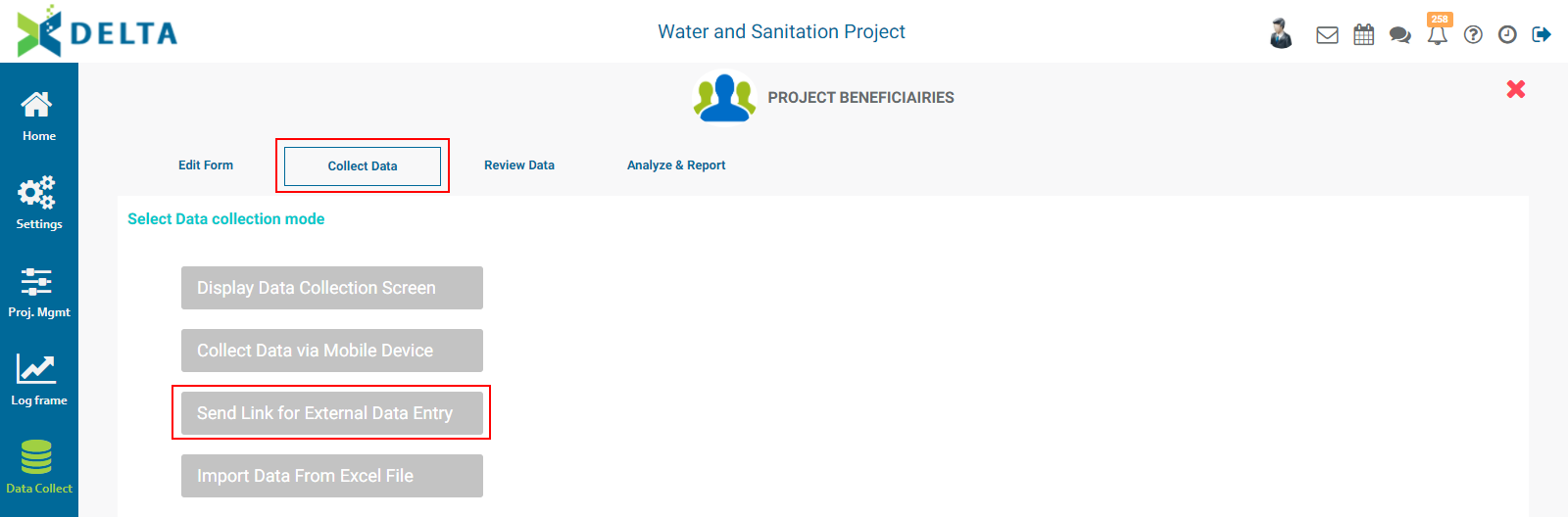
A field containing a URL for the form will appear.
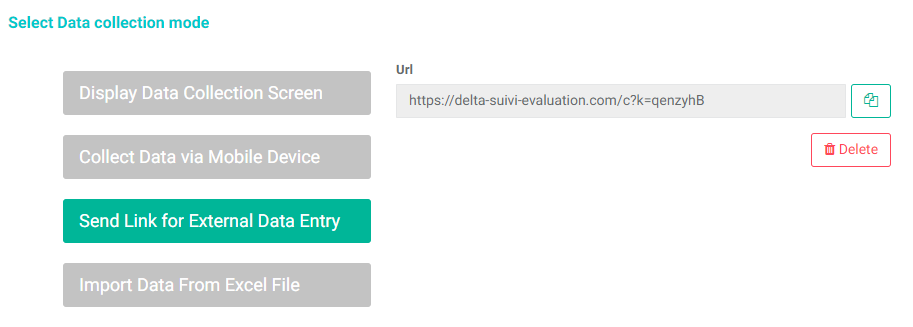
Click the Copy icon at right of the field to copy the link for pasting into an email or document.
Recipients of the link will be able to go directly into the form and enter data without being logged into the system.
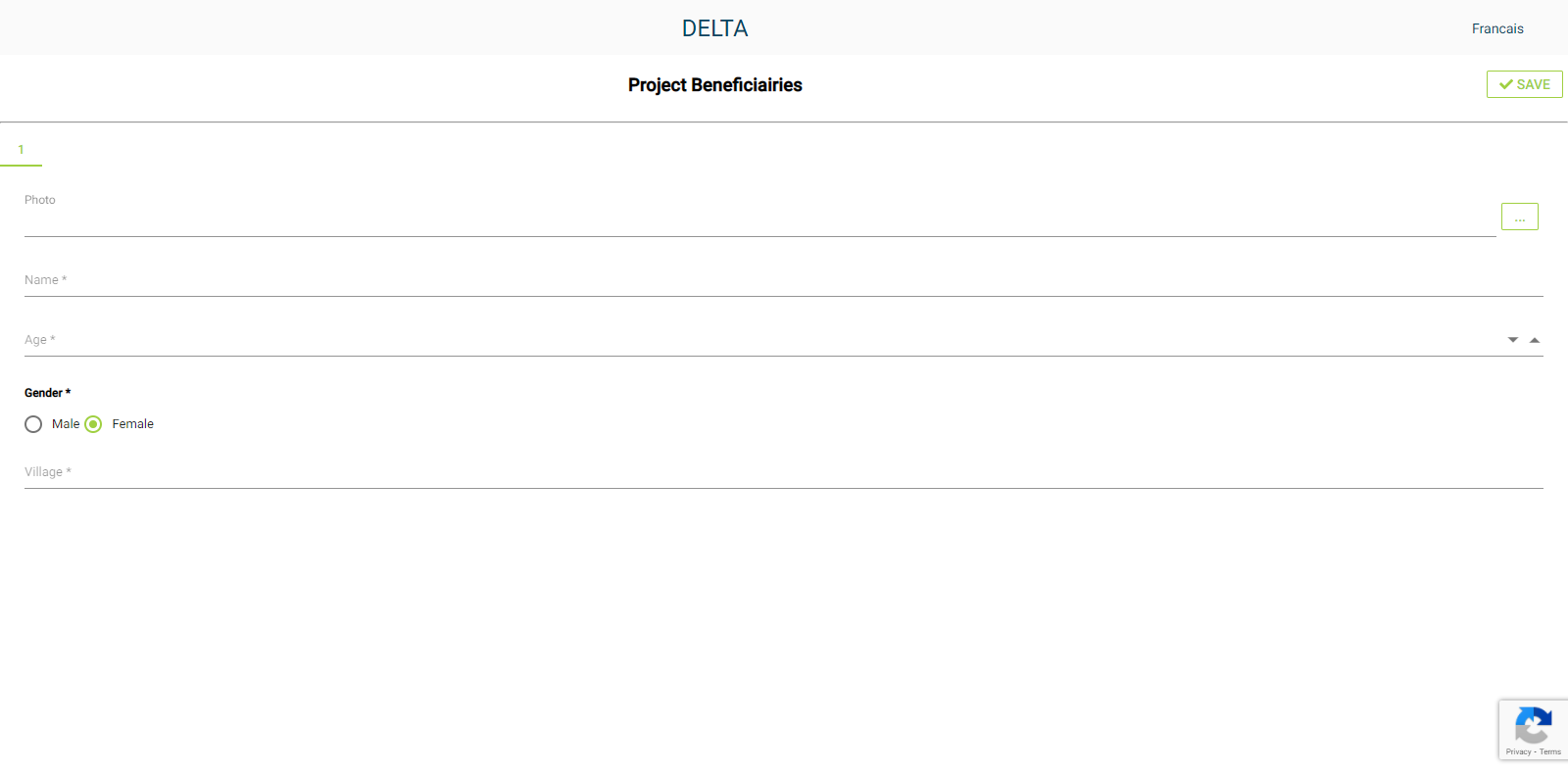
The form layout is responsive, meaning that it will size itself to the screen of the device on which it is displayed. The above screenshot was taken on a laptop, while the one below was snapped from an iPhone.
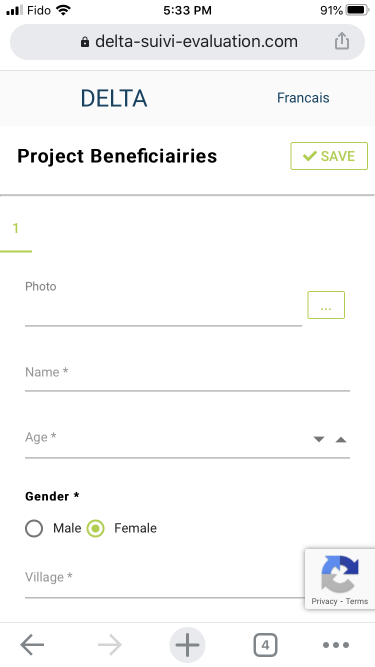
To make sure that only parties who should be using the form can find it, only data collectors should receive the link to it. Note that Delta uses CAPTCHA to ensure that bots and other possibly nefarious automated tools cannot fill out the form.
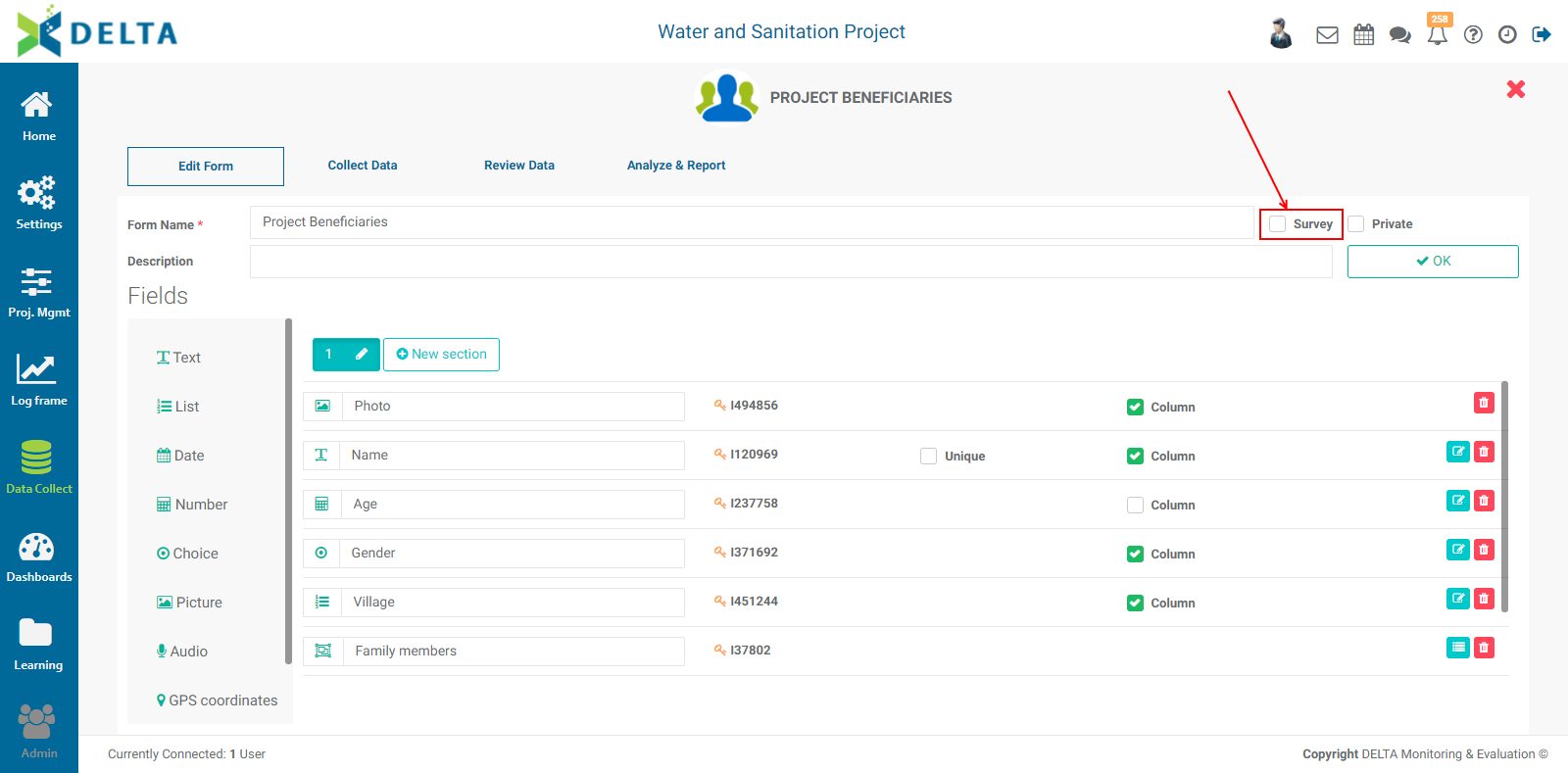
A specific example of a remote data collection form is the Survey functionality. Checking the Survey box at upper right in the Form Design (Edit Form) screen makes it impossible for a link recipient to fill out the survey more than once.
Previous: Data Collection: Collect Data via Mobile Device | Next: Data Collection: Import Data From Excel File