PM: Activities: Permissions
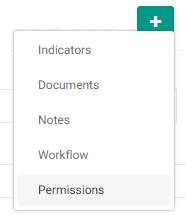
Delta supports the use of permissions for activities. This allows very fine control of who has access to plan and track activities. Permissions are set at the Activity Settings level, as an optional screen. Click the More button to bring up the optional screens menu, and select Permissions to show the Permissions tab.
Click the Permissions tab to bring up the Permissions screen proper.
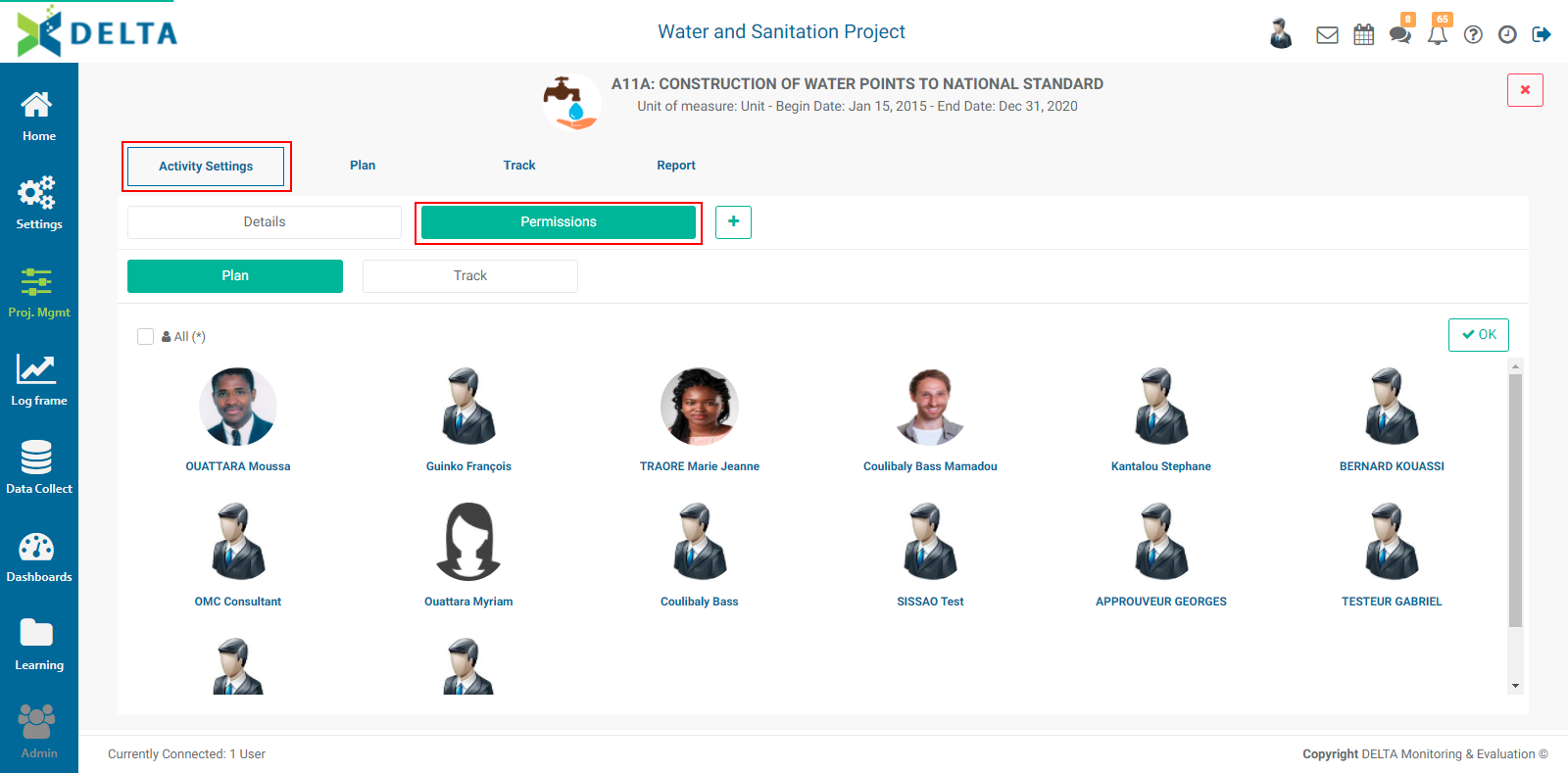
From this screen, you have the option of setting permissions for activity planning and activity tracking. Select one or more users to assign permissions by clicking on their tile to highlight each one. NOTE: only regular users appear on these screens, since superusers already have permissions for everything.
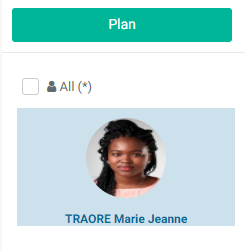
Click OK when you're done to save your work. Permissions are applied immediately.
Previous: PM: Activities: Workflows | Next: PM: Activities: Cross-Cutting Activities