Creating a Project: Project Description
The second tab of the project definition is Project Description. Although all the fields on this screen are optional, we suggest as a best practice that you enter as much information as is available.
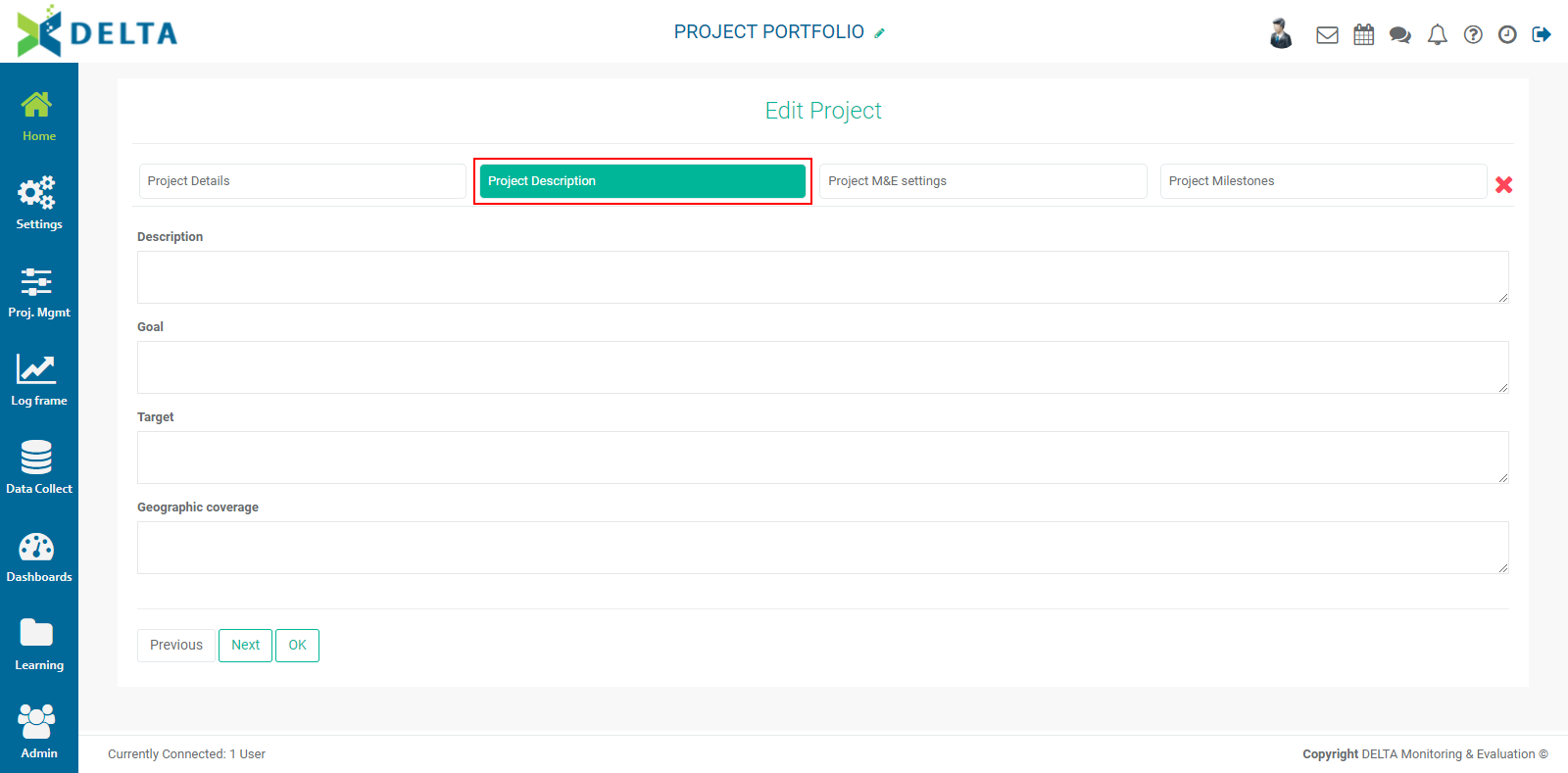
Description: enter a detailed description of the project.
Goal: enter a detailed summary of what the project's expected results are.
Target: enter targets for the project. These can be anything having to do with the project's aims.
Geographic Coverage: describe the geographic area where the project will take place.
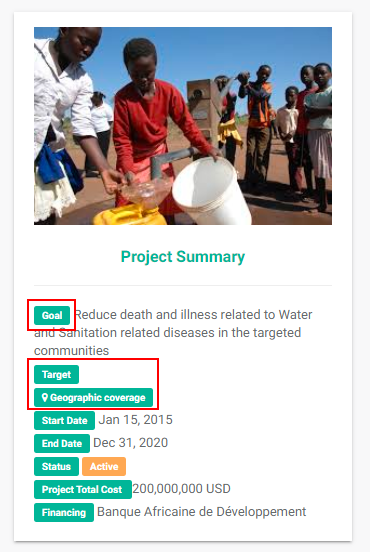
Some of this information will appear on the project's Home page as part of its summary.
Previous: Creating a Project: Project Details | Next: Creating a Project: Project M&E Settings