Accessing Delta: Getting Started With Delta
Once your system is commissioned, there is some minimum configuration you need to perform before you can start using Delta. The following assumes there is at least one superuser account in the system for you to use.
When you first log in, the screen will be empty except for the left side navigation and the title and toolbar at top.
To edit the Portfolio, click on the Edit (pencil) icon next to its name at top center. The Edit Portfolio screen opens.
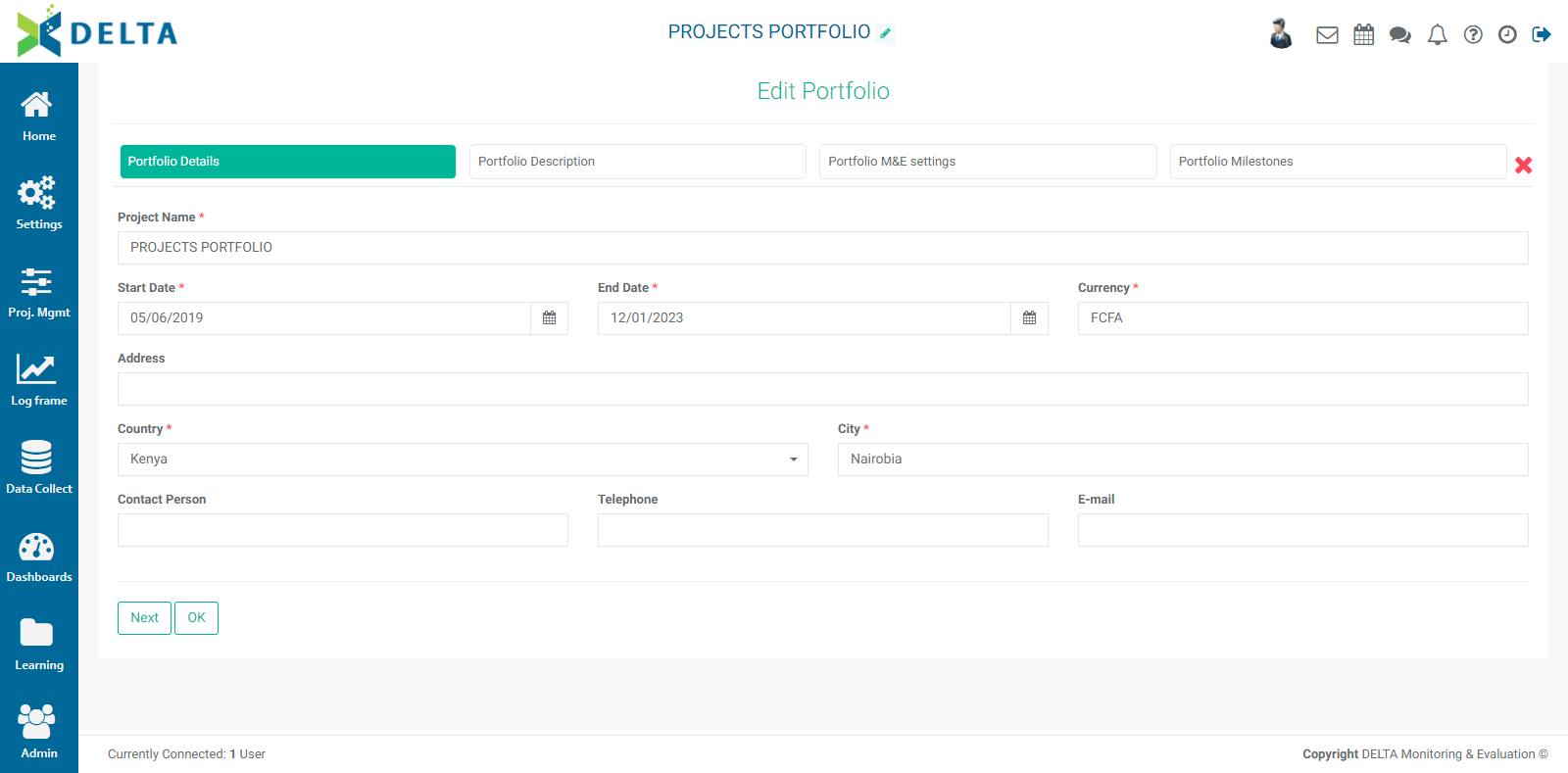
The minimum information you need to enter for the portfolio is its name, and the default currency for your system. NOTE: you will be able to use any currency in individual projects. Any currency other than the default will be converted to the default with an exchange rate you will provide when working with your project costs and budgets.
If you're planning on using cross-cutting indicators and cross-cutting activities, you'll also need to input a Portfolio-level log frame, but this can be done later.
Finally, the Locations list is set at the Portfolio level. This is the list of all the locations where projects take place. Typically a country, it can also encompass entire regions covering several countries. Creating a Locations list is explained in Portfolio Settings: Locations.
Previous: Accessing Delta: Managing Your User Information | Next: Accessing Delta: Delta's Public Portal