Main Toolbar: Alerts
The Alerts/Notification icon will display a numbered badge if you have been assigned a task or a workflow item in the system.
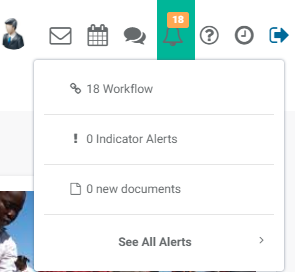
Click on the Alerts icon to view your assigned tasks. Items which can be the subject of a workflow include Activities, Indicators, Forms, and Documents.
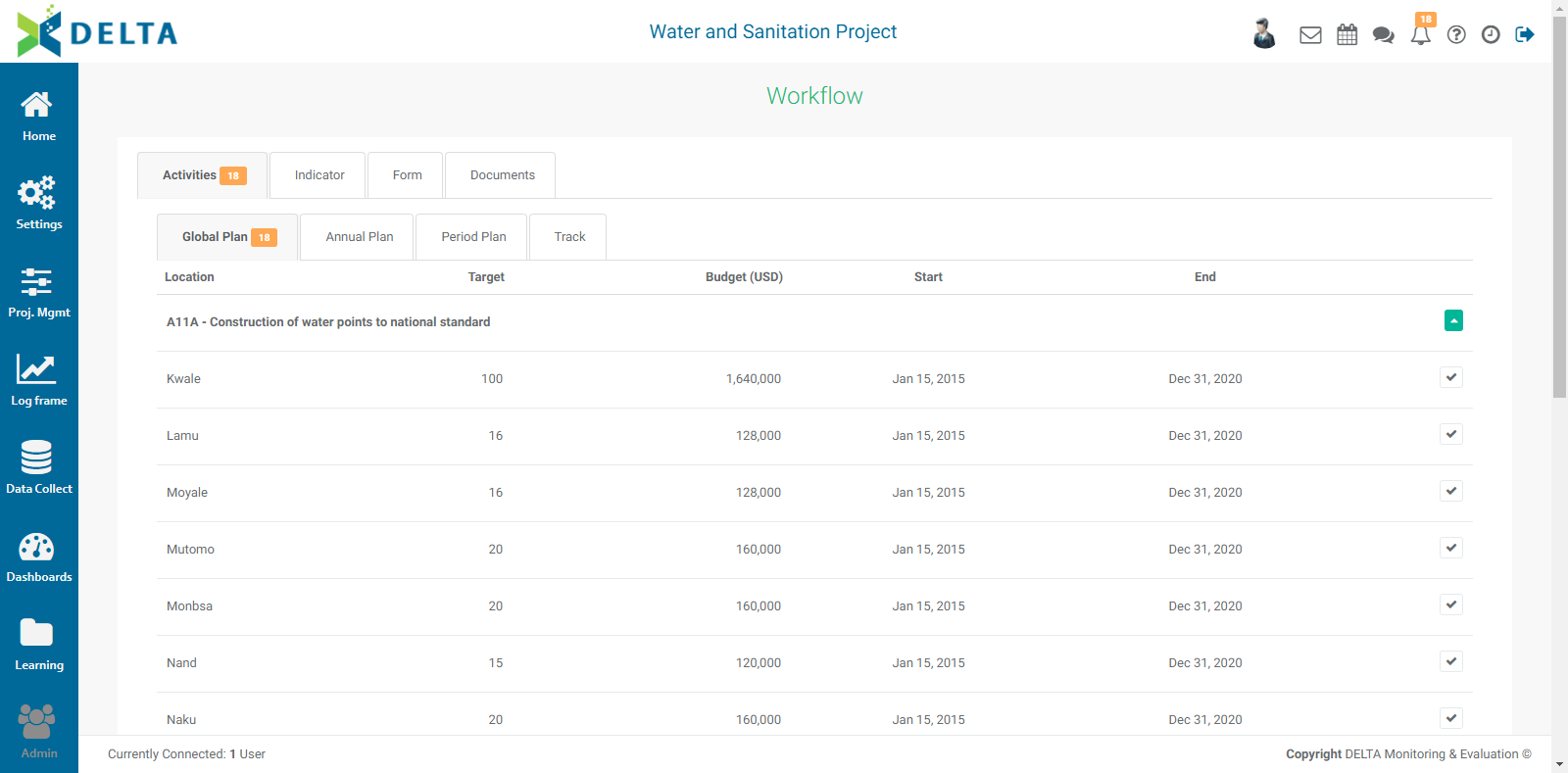
Subcategories of items which are subject to workflows are as follows:
| Activities | Indicators | Forms | Documents |
| Global Planning | Target Planning | Data Collection | Report Planning |
| Annual Planning | Indicator Tracking | Data Verification/Validation | Report Tracking |
| Period Planning | Data Approval | ||
| Tracking |
NOTE: if a workflow task is recurring, all instances of it will appear in the appropriate tab once it is scheduled.
To view and complete your assigned tasks, click on the appropriate tab. Only tabs which contain items which are due will display a numbered badge.
Previous: Main Toolbar: Chatroom | Next: Main Toolbar: Help