Indicators: KPIs Results Framework
The Indicator (KPIs) Results Framework is an at-a-glance dashboard of all the indicators in the project. It allows you to drill down into any amount of detail you need for any indicator based on location and type. Two versions are available from the Log Frame screen. Both present the same information in slightly different visual format.
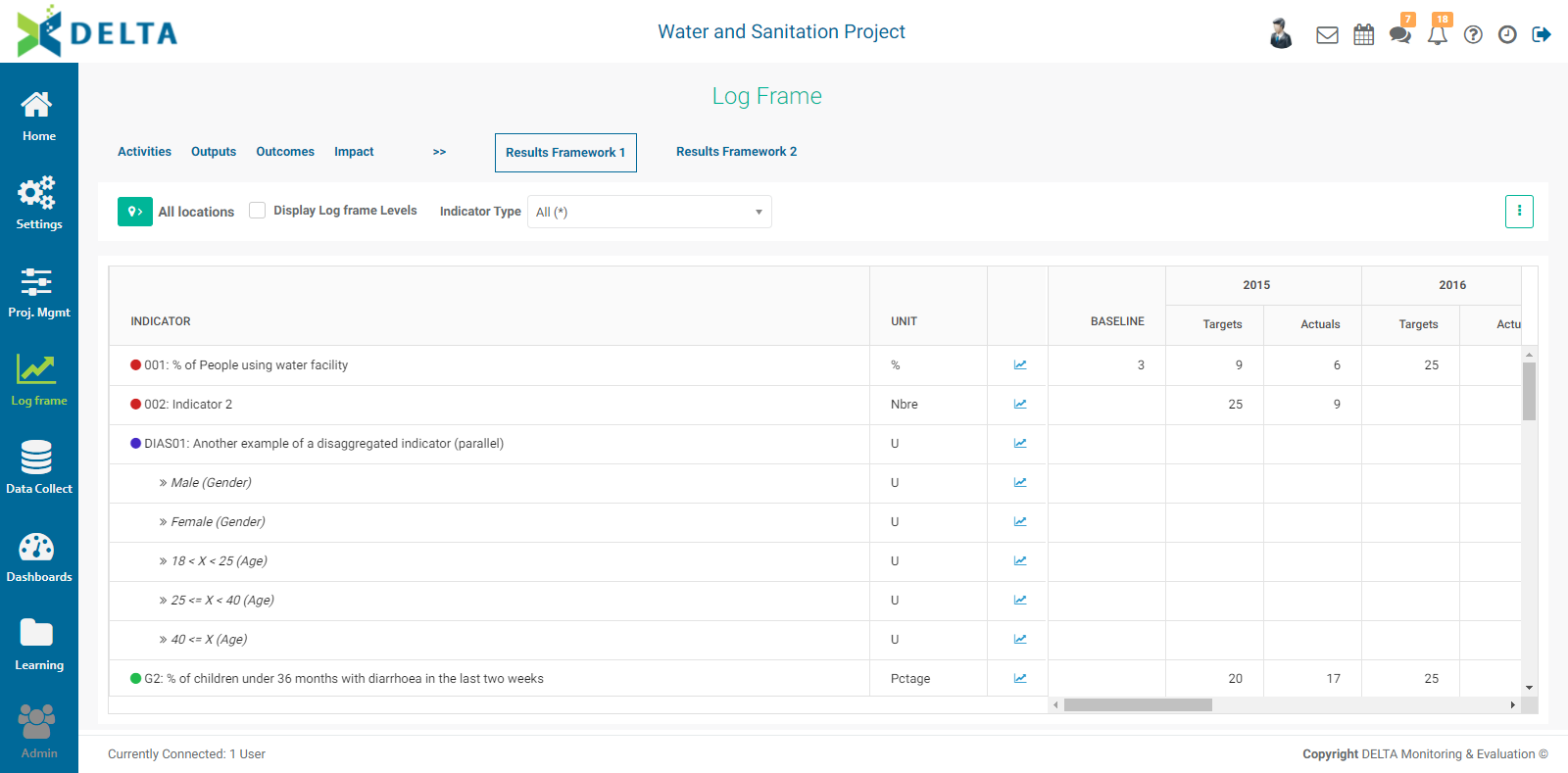
Results Framework 1 displays indicator information in a compact tabular format which also includes graphical elements such as popup graphs.
Results Framework 2 displays log frame information by default, and emphasizes numerical data.
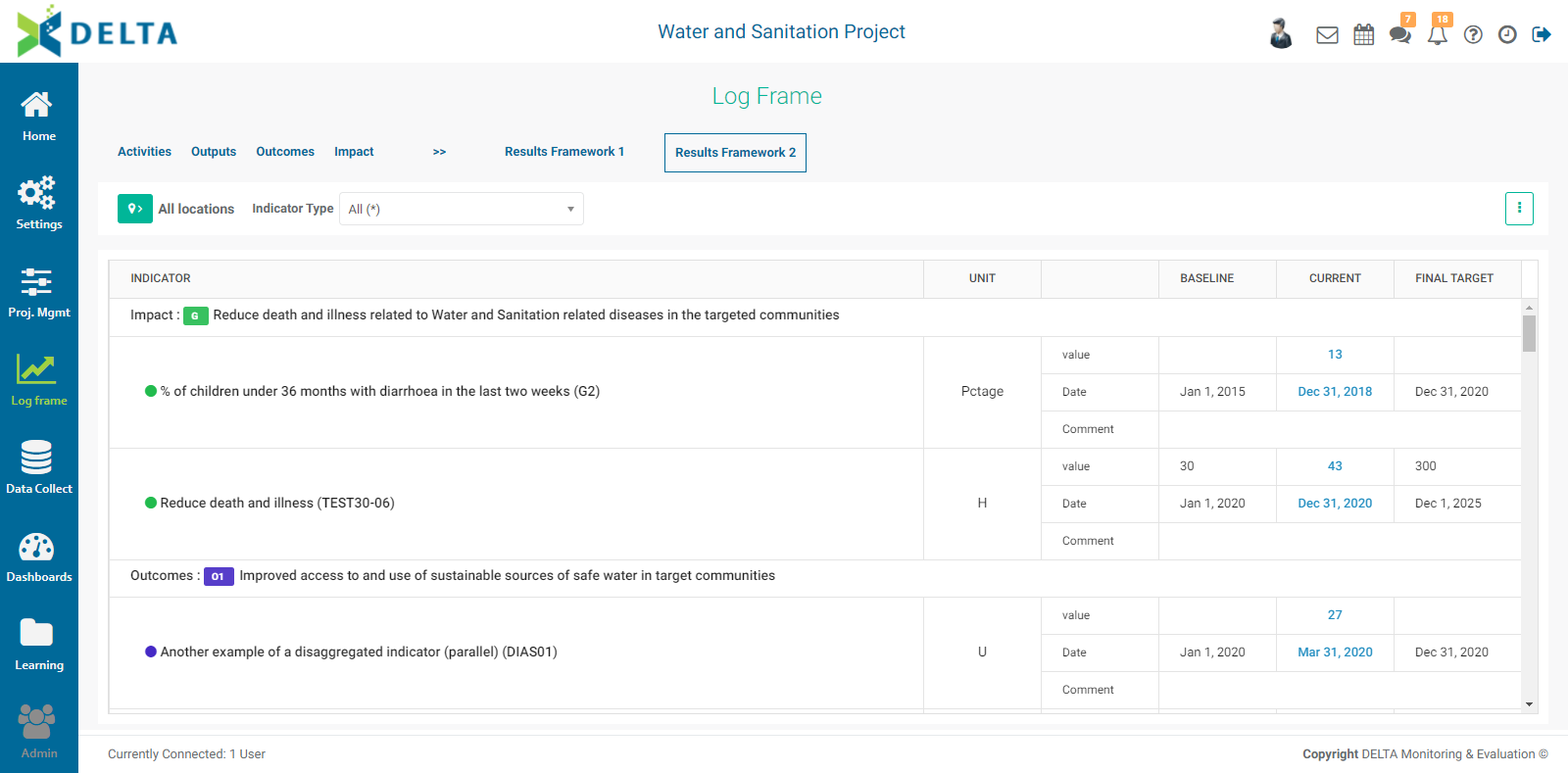
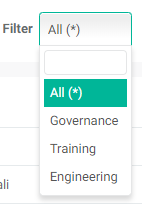
Both frameworks feature filtering by location. To view only the indicators associated with a specific geographical area, toggle on the Locations list and select the desired location in the list. Both also support filtering by indicator type.
To view the progress of a single indicator, click on its graph icon in Results Framework 1 to bring its performance graph.
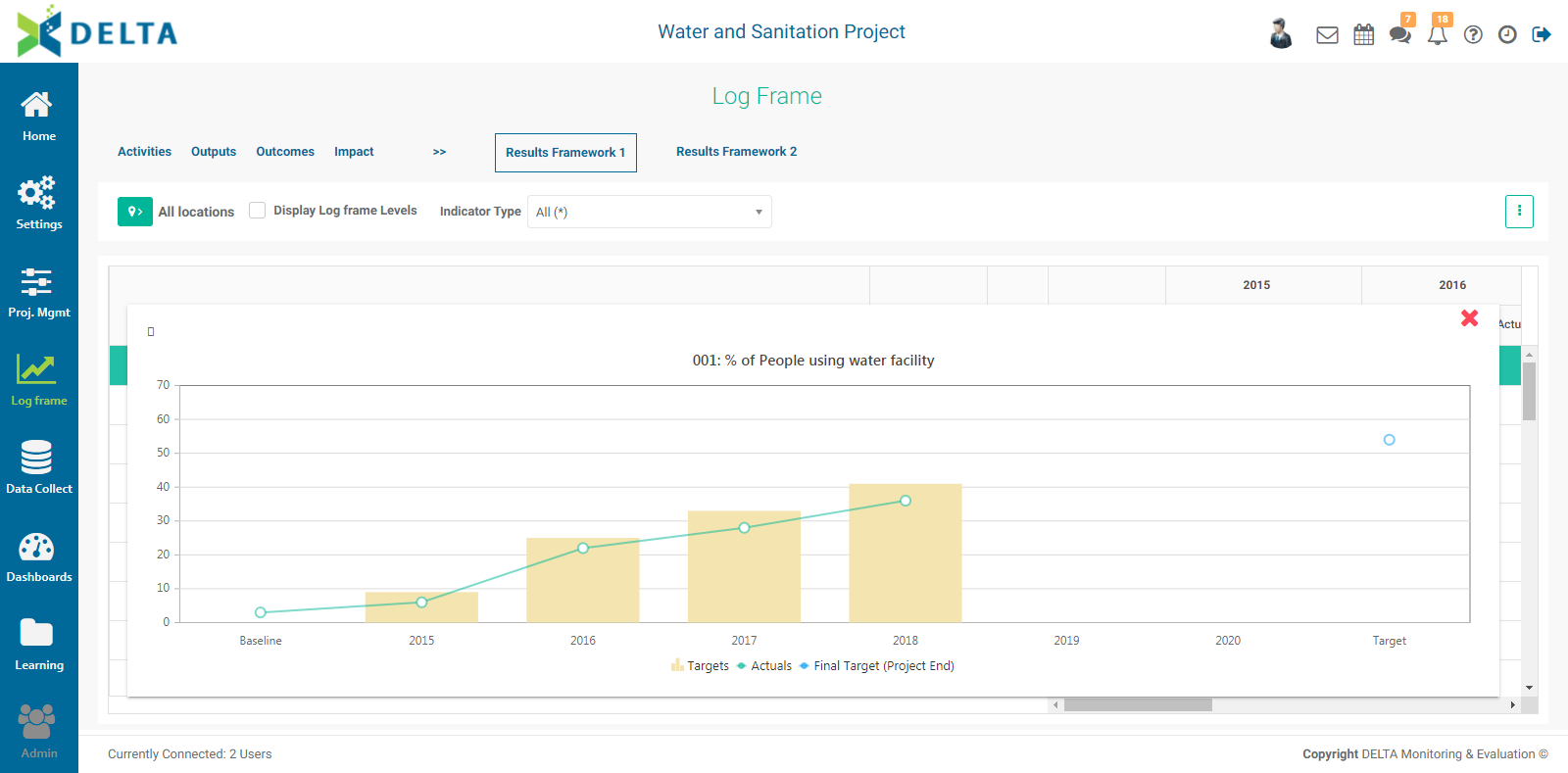
To see the numbers on which any data point on the graph is based, mouse over it. To dismiss the graph, click the X at upper right of the graph popup window.
Click the vertical More icon at upper right to export either Results Framework dashboard to Excel.
Previous: Indicators: Cross-Cutting Indicators | Next: Data Collection: Form Design