Project Settings: Alerts
Alerts are associated with the entry of indicator/activity data. Alerts are set in days; for example, setting a two-day alert will trigger an alert two days before the entry of indicator/activity data is due. Actors who are assigned data entry tasks will receive the alert.
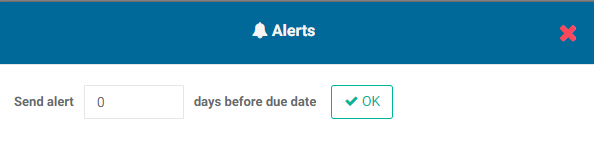
Enter the number of days before a due date, and click OK to save.
This setting acts as a backstop for system items that are due. Delta supports other alerts throughout the system, especially within workflows, but this setting is the default for assigned items if no other alert has been set or is available for that item.
Previous: Project Settings: Flag | Next: Intro to the Project Management Module