Project Settings: KPI Disaggregation
Delta's KPI Disaggregation Categories allow a finer breakdown of project data. Common examples include age and gender. Disaggregation categories are used in indicators.
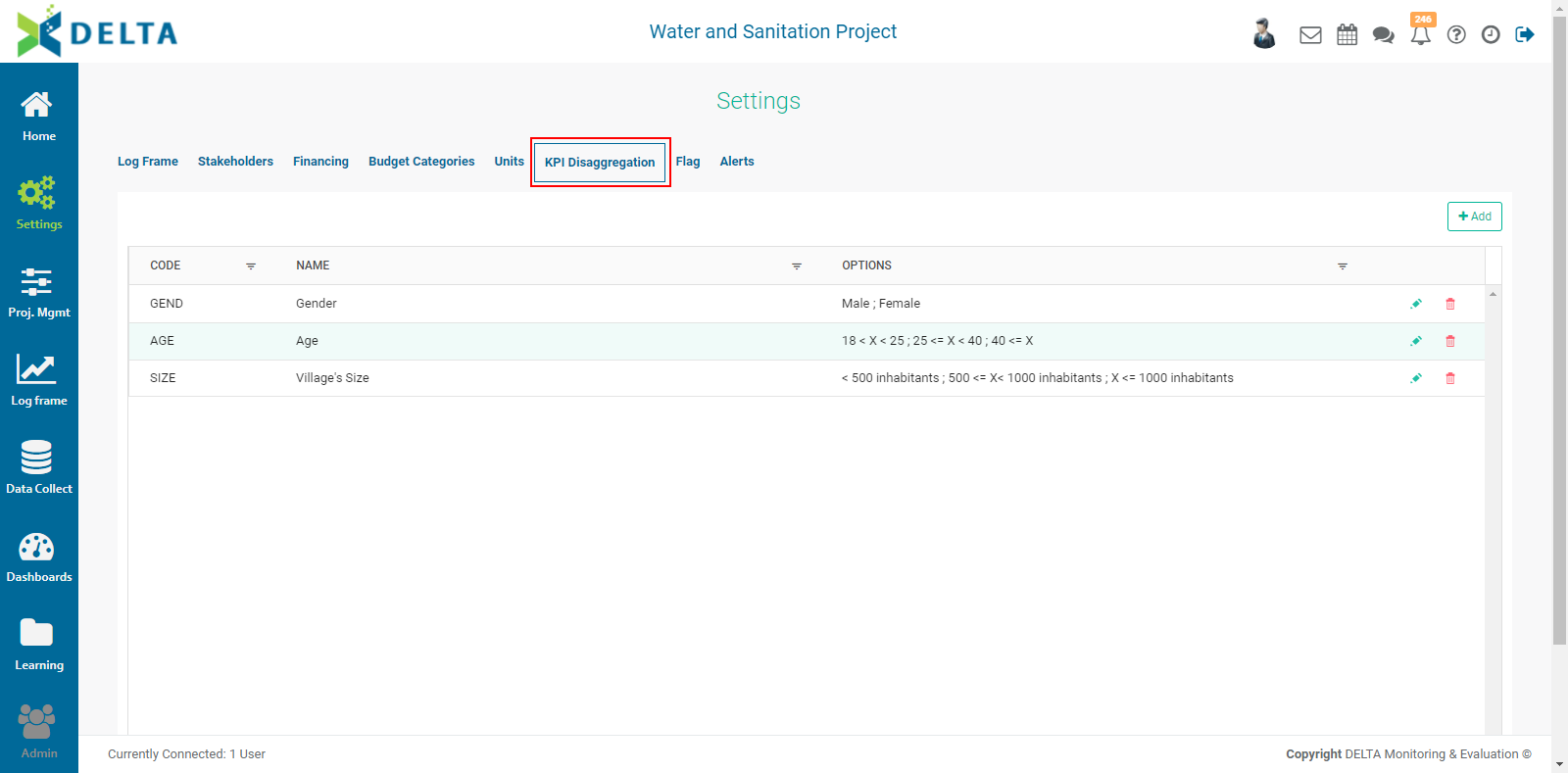
To add a disaggregation category, click the +Add button, then enter a code and a label. Choose the aggregation calculation you wish to use (sum, average, maximum, minimum), then click Option to create the category name. These are strictly labels, and as such do not perform any calculations, but mathematical symbols are often a good shorthand, particularly in the case of a KPI category with many numerical ranges, such as the age range shown below:
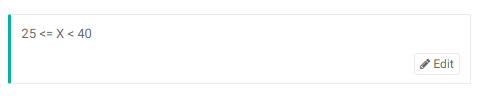
You can use as many options as needed. However, keep in mind that using a large number of options for a KPI disaggregation category will make planning and actuals more time-consuming to enter, especially if you use more than one KPI disaggregation category in an indicator.
Click OK when you're done to save your work and return to the KPI Disaggregation Categories list page.
To edit a disaggregation category, click its name in the list or its Edit icon. To delete it, click its Delete icon and confirm the deletion.
Previous: Project Settings: Units | Next: Project Settings: Flag