Project Settings: Stakeholders
Stakeholders are all the actors involved in the workflow of monitoring and evaluation.
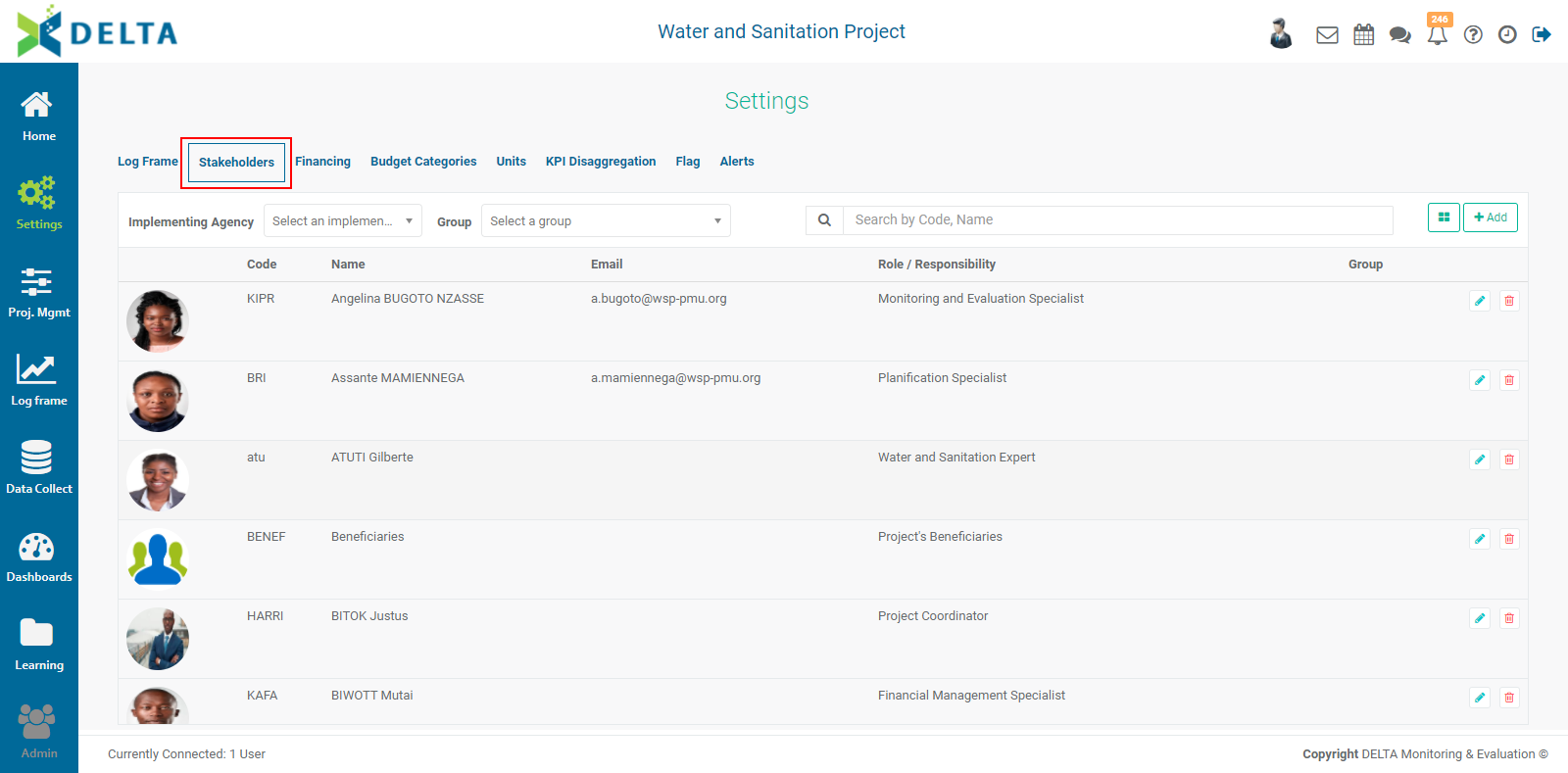
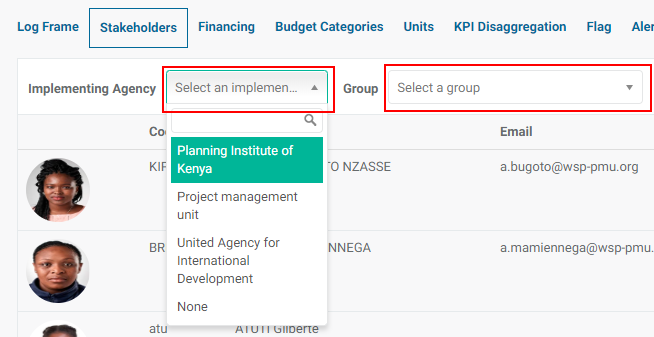
Use the Agency and Group pick lists to narrow down the list, or use the Search bar.
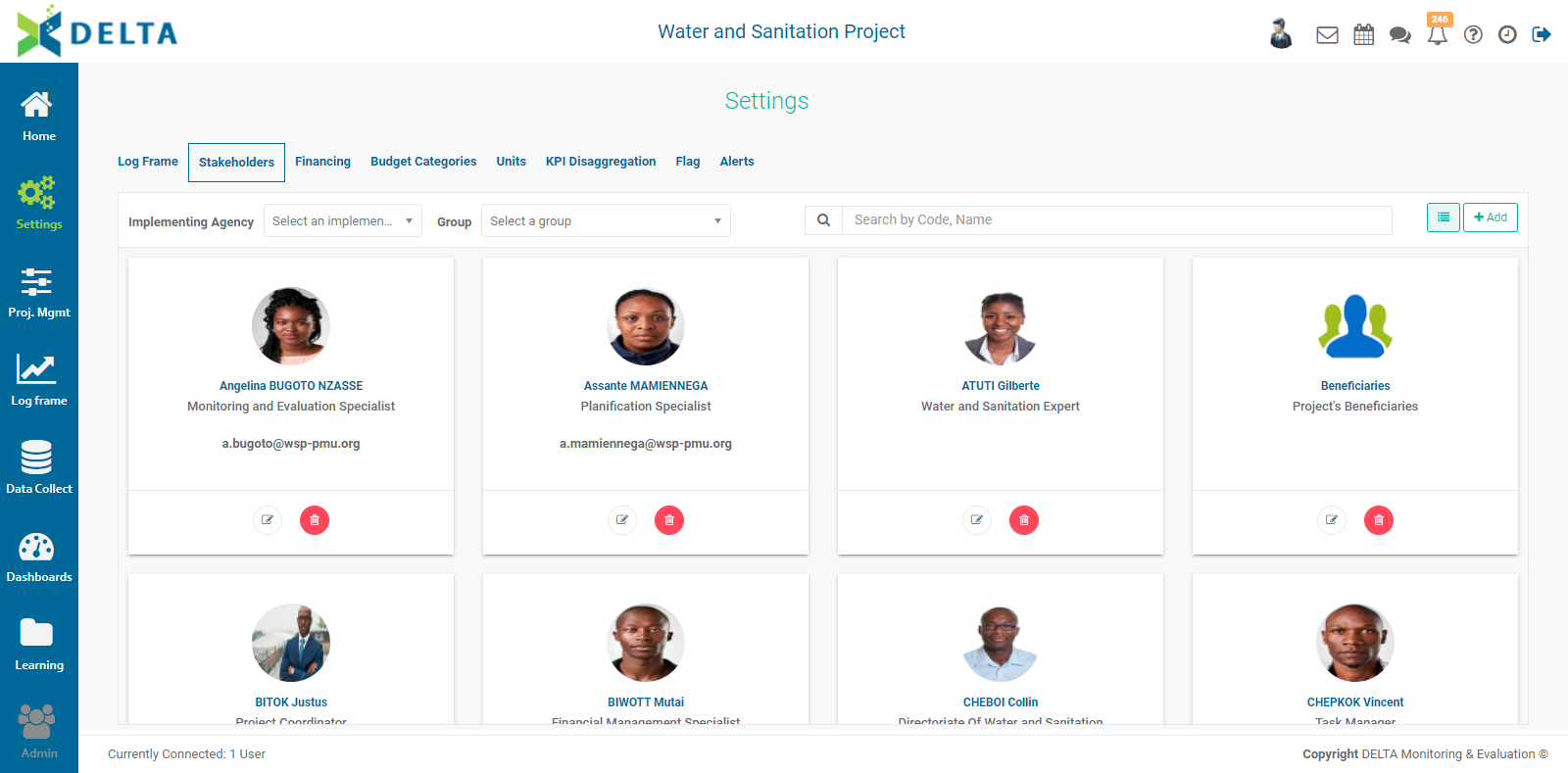
Click the Tile/List icon to toggle between the List and Tile views. The icon is to the left of the +Add button.
To create a new stakeholder, click +Add to bring up the Stakeholder information screen.
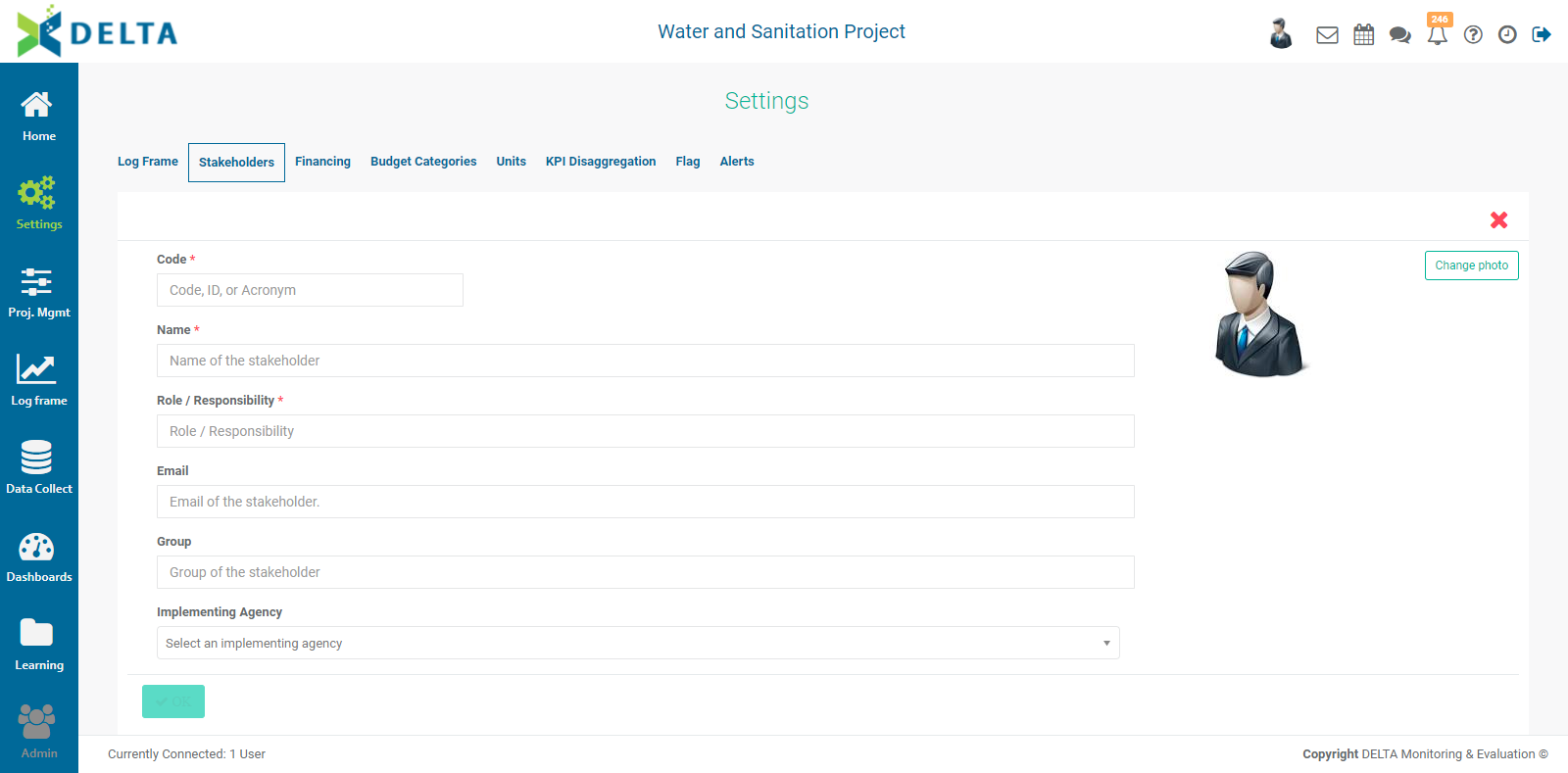
Fill out the screen with the appropriate information. Mandatory fields are indicated with an asterisk (*). As a best practice, we suggest you also fill out all the available information in the optional fields.
The Role/Responsibility field is free-form, but it also contains a pick list. If your desired role doesn't appear in the list, enter it manually, and it will become available in both the pick list and search filters.
If the group you're looking for is not in the Group pick list, enter it in the field, and it will become available in both the pick list and the search filters.
Implementing Agencies are created at the Portfolio level. If you don't see your desired agency, you'll first need to set it up in the Settings module of the Portfolio.
Click Change Photo to display the stakeholder's picture, if desired. Navigate to the photo file to select it, and click OK to associate it with the stakeholder record.
Click OK when you're done to save your work and return to the Stakeholders list.
To edit or delete a stakeholder, click on the Edit icon or the Delete icon on that stakeholder's tile or list item.
Each stakeholder has a dashboard which displays activities and reports for which that stakeholder is responsible. To view a stakeholder's dashboard, click on that stakeholder's entry in the list or tile view.
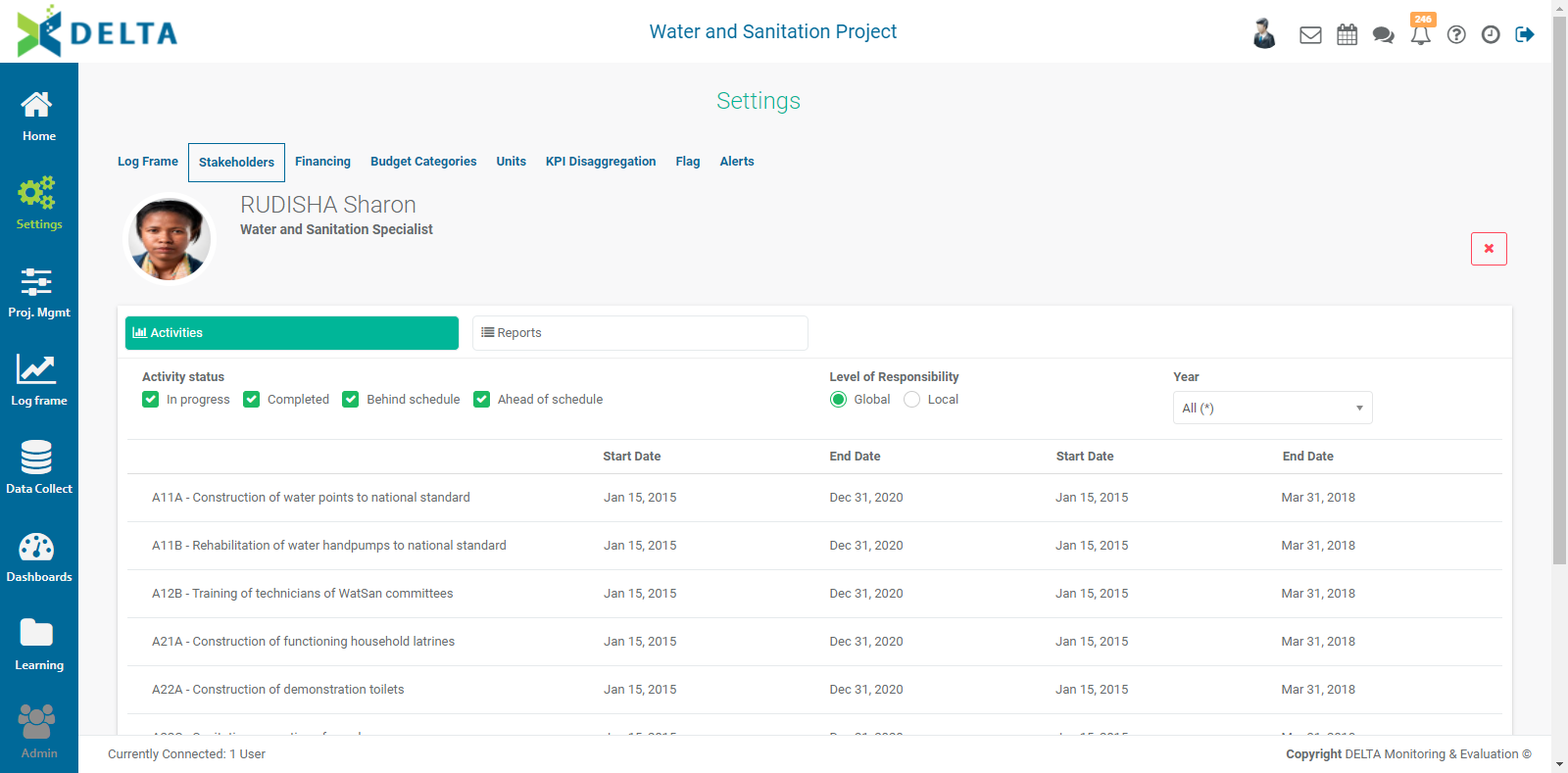
The default view is Activities. Click on the Reports tab to view which reports have been assigned to this stakeholder. Use the Activity Status, Level of Responsability, and Year filters to narrow down the list.
Click the X at top right to return to the previous screen.
NOTE: before creating a stakeholder in your project, check to make sure that stakeholder does not already exist. Stakeholders created at the project level will also be available at the portfolio level, and stakeholders created at the portfolio level are also available to be selected by all projects. A little attention to this detail will prevent duplication of stakeholders.
NOTE: when you create a stakeholder at the Portfolio level, you will have the additional option of displaying that stakeholder's information on Delta's Public Portal. What this does is publish selected information on the login page, which allows people who do not have access to the system to read information about the Portfolio and projects. The Portal is an optional functionality which you have to specify before your system is commissioned.
Previous: Project Settings: Log Frame: Editing a Log Frame | Next: Project Settings: Financing