How Do I Sign Up to the User Documentation Database?
Registration is required for access to the user documentation database. To sign up, simply click Registration on the login page.
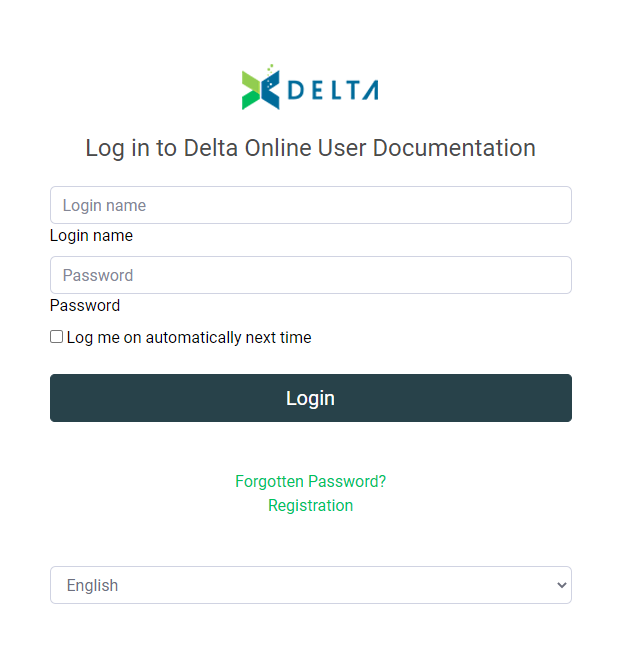
Enter your email address, your real name, your desired user name, and the code contained in the CAPTCHA. Click OK when you're done. The Administrator will review your request, and you will receive a confirmation email once your account has been activated. NOTE: this is not an automated process. All sign-up requests are reviewed before activation.
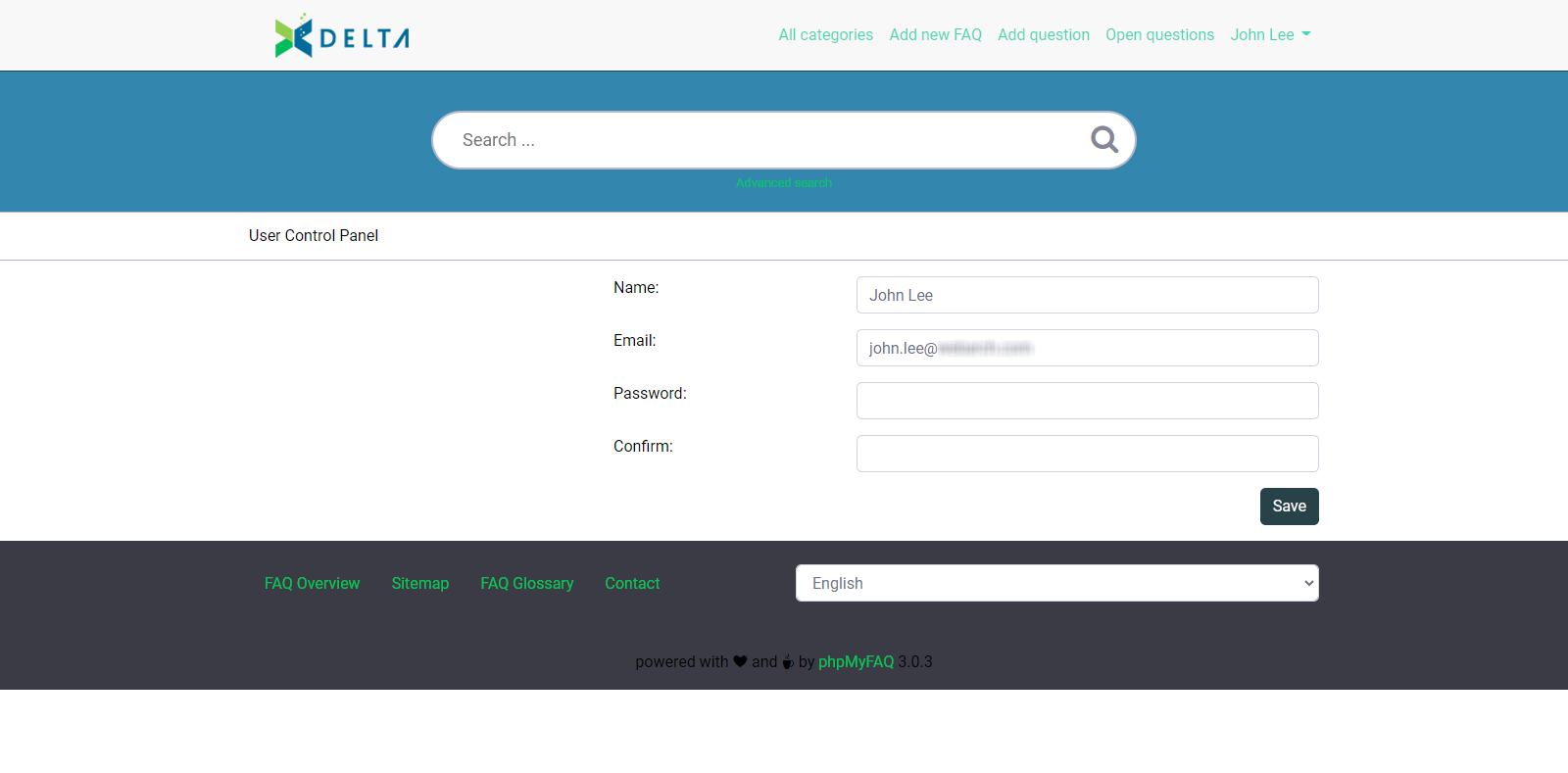
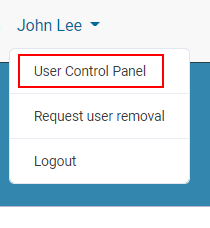
Once you receive confirmation that your account has been approved, you may change your password by logging in and selecting User Control Panel from the menu under your name at top right of the screen.
Your only option will be to change your password. Enter and confirm your new password, and click Submit to save your changes. Your new password will take effect the next time you log in.