Admin Module: Deleted Items
The Deleted Items page lists recently deleted items and allows the user to recover information.
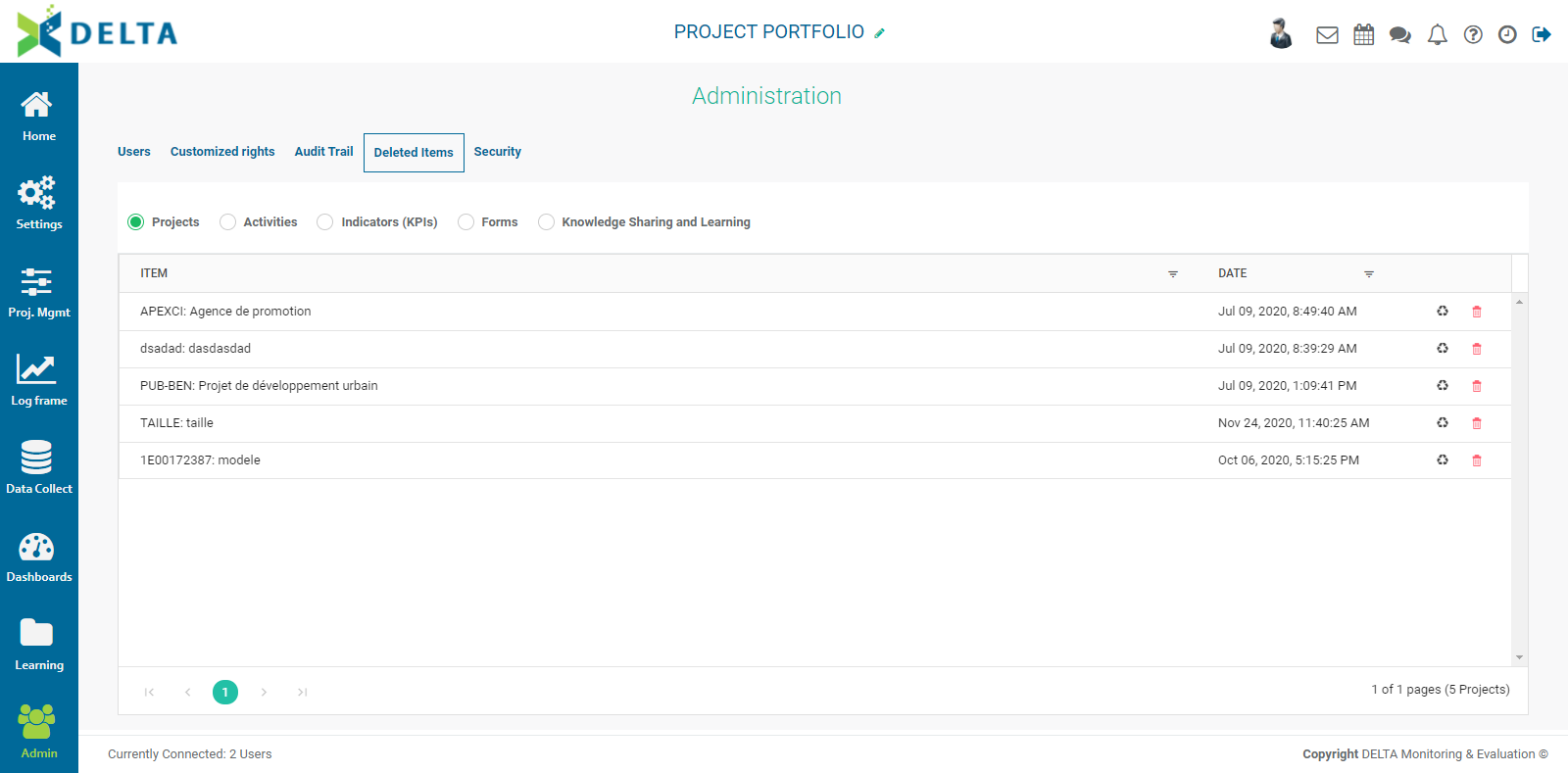
Five categories are available: Projects, Activities, Indicators, Forms, and Knowledge Sharing and Learning. Select the type of information you want to recover, find the desired item in the list, and click the Recycle icon in the item's toolbar to restore it.

You'll be asked to confirm the restore. Click Yes, then verify in the appropriate module that the deleted item has been restored.
To completely delete an item from the list, click its Trash icon and confirm the deletion. IMPORTANT: this action cannot be undone.
NOTE: the system does not track every item that's deleted. The Deleted Items functionality should only be used as a backstop. Contact Technical Services if you cannot retrieve something you deleted.
Previous: Admin Module: Audit Trail | Next: Admin Module: Security