Admin Module: Audit Trail
The Audit Trail function allows superusers to trace and search users' activity in the system.
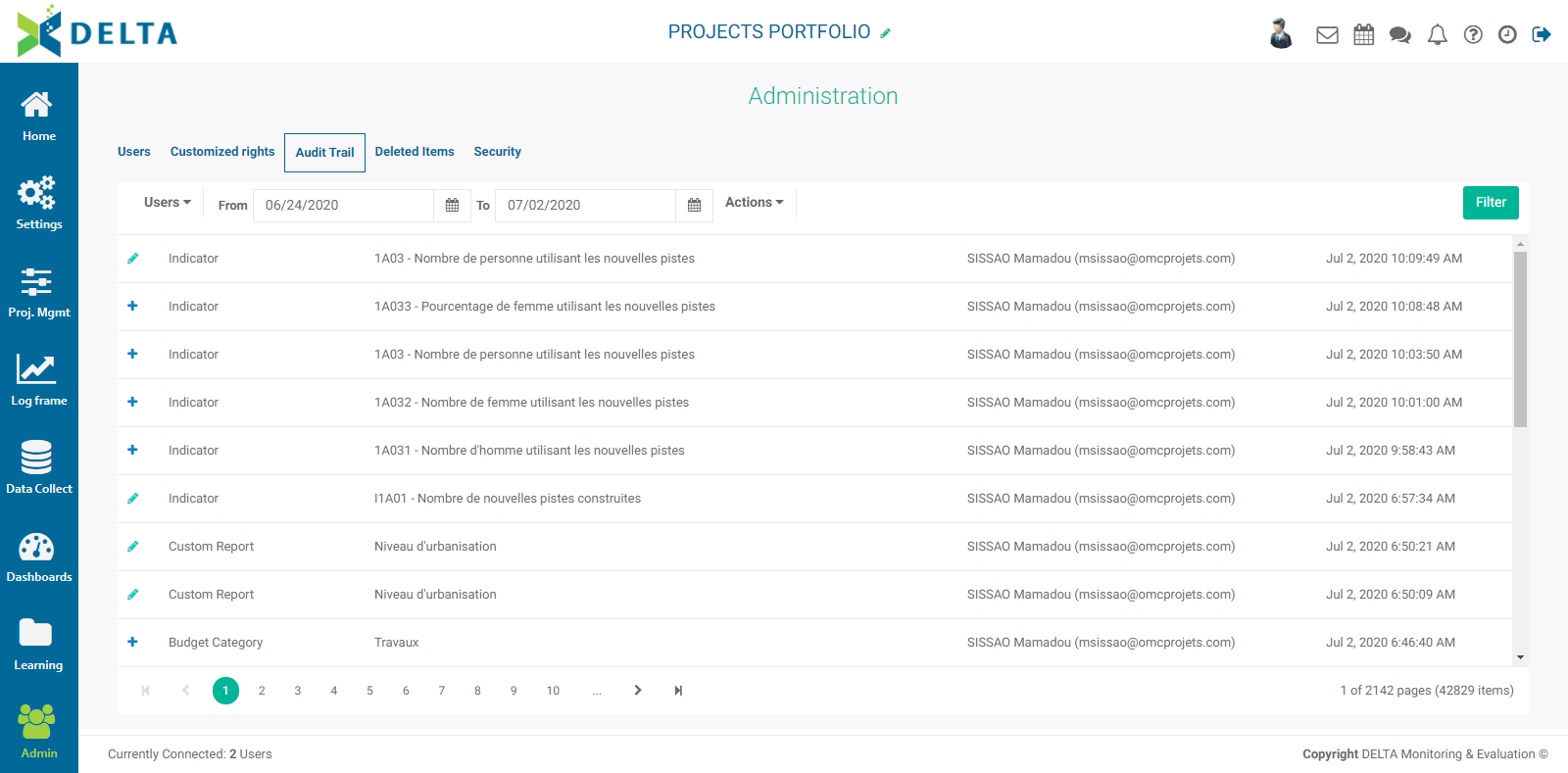
Each line item in the list shows the type of action (icon), the type of element involved, the location in the system where the action was performed (if applicable), the user who performed the action, and the date and time of the action. The screen can be filtered by user, date range, and/or action. Several filters can be applied at once. Click the Filter button at top right to apply your selected filters.
Actions in this context are Create, Update, and Delete. Update corresponds to editing.
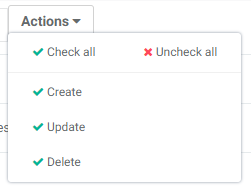
To reset the filters, select all users and all actions in the dropdown lists, and click the Filter button.
Previous: Admin Module: Customized Rights | Next: Admin Module: Deleted Items