Project Management: Intro to Activities
Activities are created automatically in Delta when a log frame is created or imported into a project. They are the endpoint of each branch of the log frame, regardless of how many log frame levels are used. Activities appear as a list in the Activities Planning & Budget (APB) screen of the Project Management module. From there, any activity can be opened and worked on, from configuration to reporting.
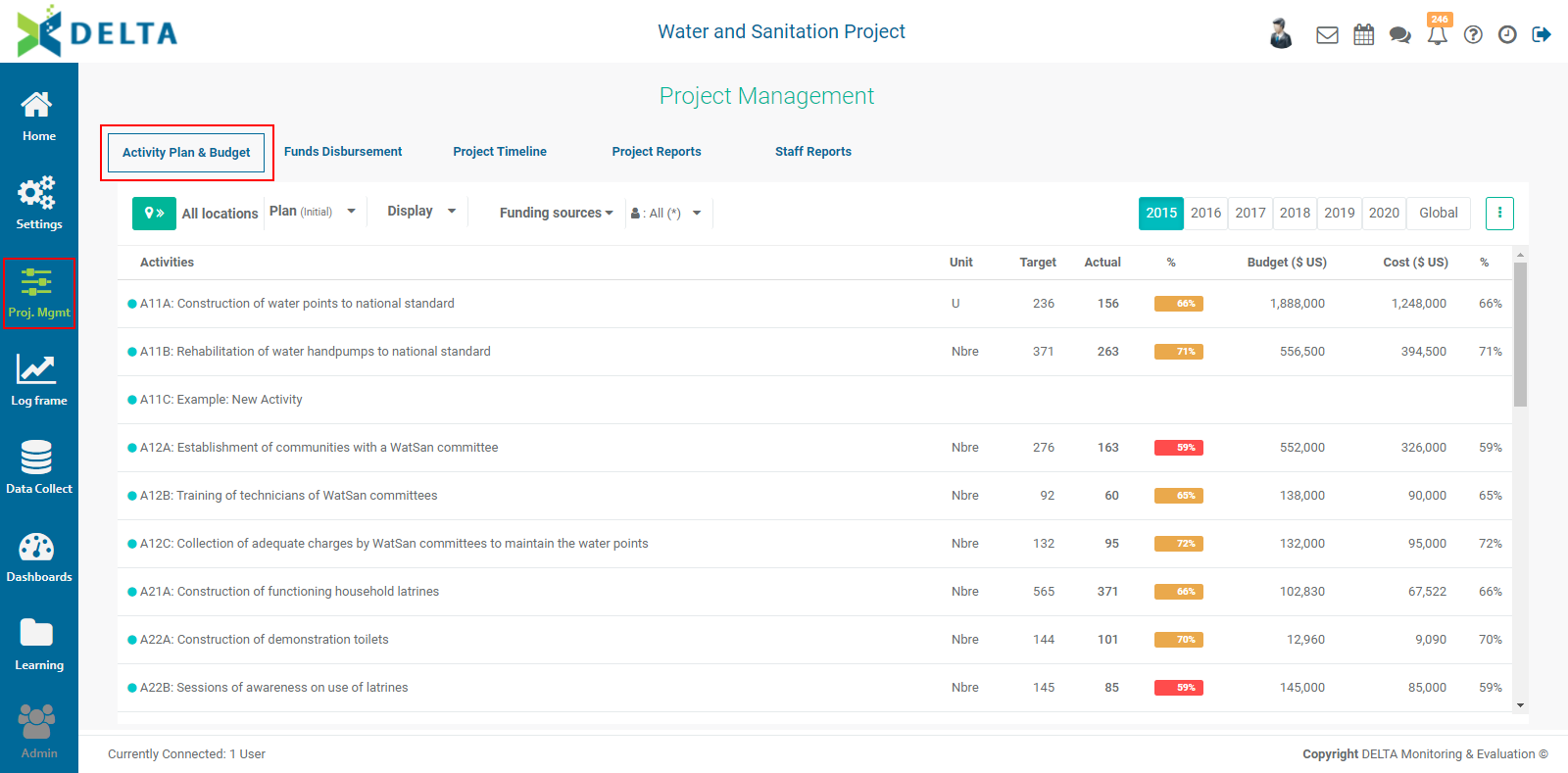
Activities require some basic configuration in order to be planned, tracked, and reported on. Activities which have not yet been configured appear in the Activities list of the APB screen with no date range or responsible entity.
Delta features extensive options for the monitoring of activities, with associated graphs, images, and documents. Activities can also be the subject of workflows, and permissions for activities can be granted at the activity level.
Previous: Intro to the Project Management (PM) Module | Next: PM: Activities Screen