Portfolio: Dashboards View
The third available Portfolio view in the Project Portfolio screen is Dashboards. Click the Dashboards tab to switch to the dashboard view of the portfolio.
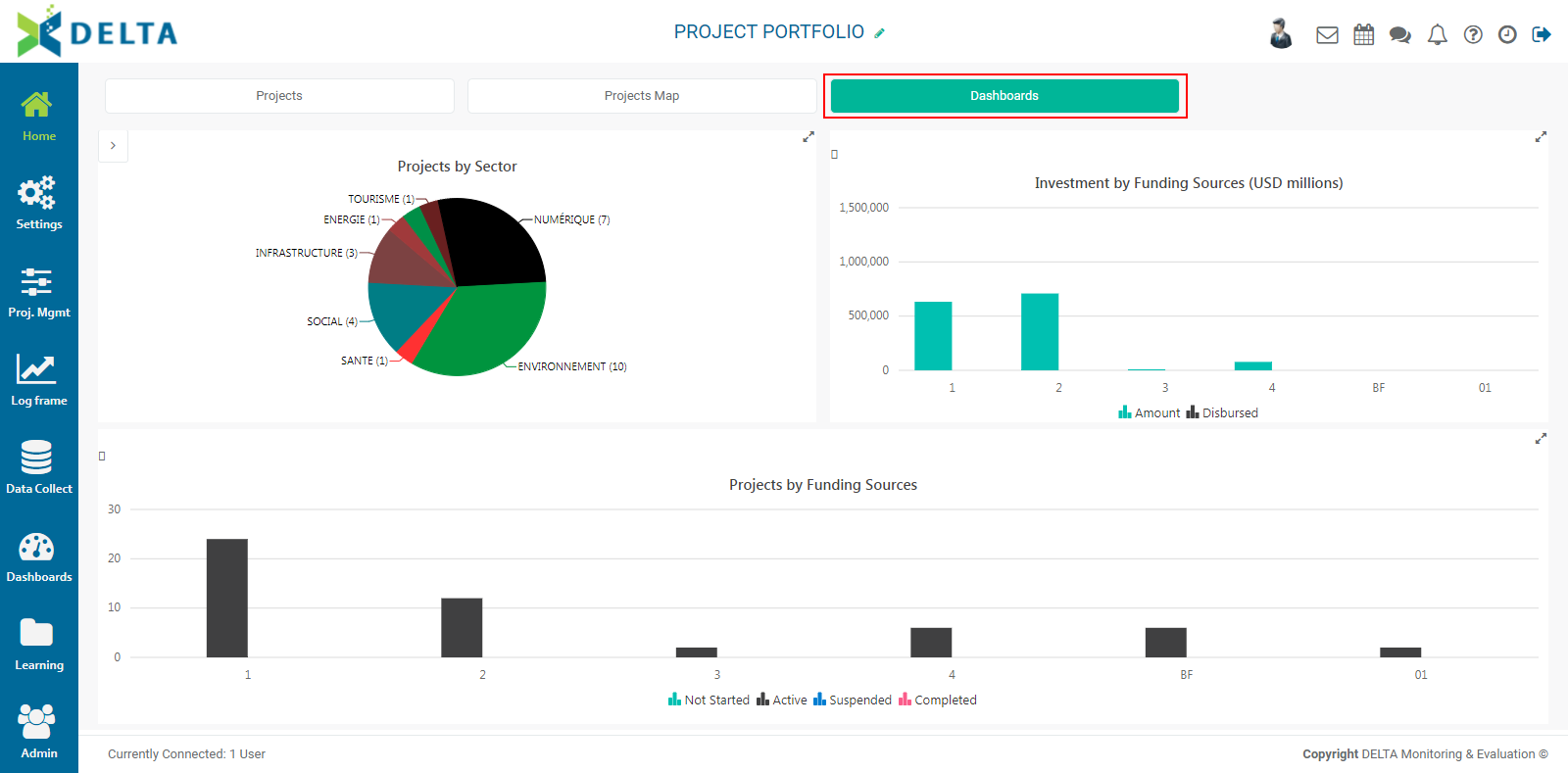
The Dashboards view regroups three at-a-glance data points: Projects by Sector, Investment by Funding Source, and Projects by Funding Sources. The latter also displays the status of each funding source's projects.
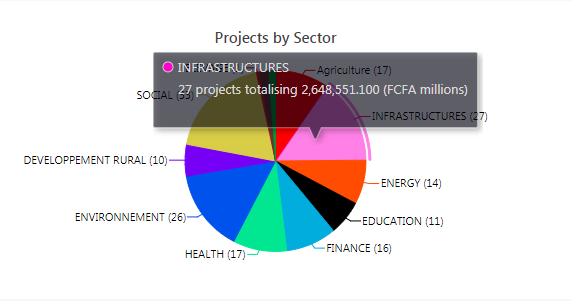
As is the case for all graphs in Delta, users can mouse over these dashboard graphs to view the data which generated that particular data point.
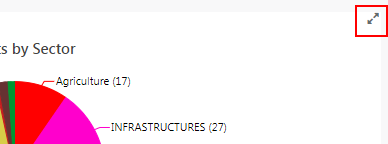
To view each part of the dashboard in fullscreen mode, click the diagonal double arrow at the top right corner of each graph's pane. Press Esc to go back to the dashboard.
Delta allows users to temporarily filter line and bar graphs by "crossing out" legend elements. To mask a given part of a graph, click its legend item. The masked item(s) will be grayed out.

Finally, users can right-click on a dashboard pane to export a PNG image of that portion of the dashboard.
Previous: Portfolio: Projects Map View | Next: Portfolio: Project Tiles and Project List Views