Filters and Search
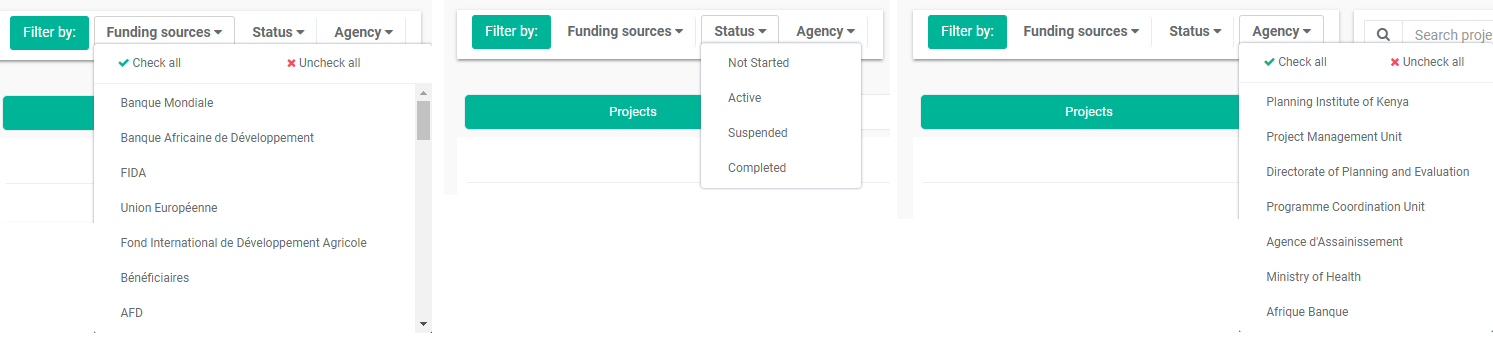
The Filter lists at the top of the Portfolio screen allow users to filter projects by Funding Sources, Status, and/or Agency. Multiple filters can be applied at once.

Click each filter to make your selections. You can select and deselect all items in each list, or select only the items you want the filter to use. IMPORTANT: click the Filter By button to apply your filter selections. Only the projects which conform to all your filter selections will be displayed.
The Search bar allows you to search projects by code or label.

Delta will display matching projects as you type your search terms in the search bar. Other search bars throughout the system work the same way.
Previous: Main Toolbar: Recent/History | Next: Creating a New Project: Project Details