PM: Project Timeline (Gantt Chart)
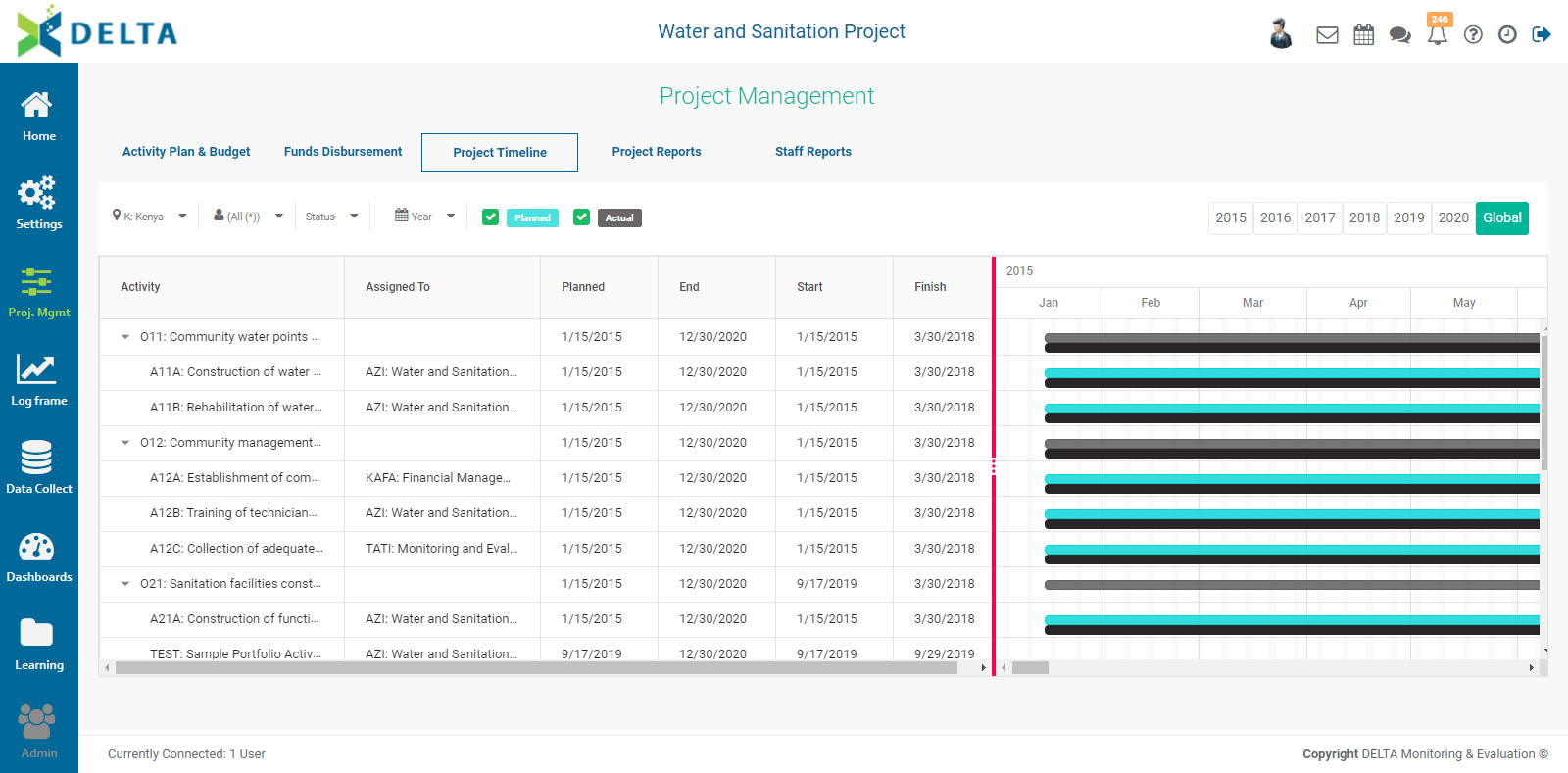
Gantt charts are an indispensable tool to ensure that project activities are completed in the time allotted by the project. Delta allows users to display Gantt charts by stakeholder, by log frame, and by geographical location. Delta's Gantt Chart functionality is located in the Project Timeline screen of the Project Management Module.
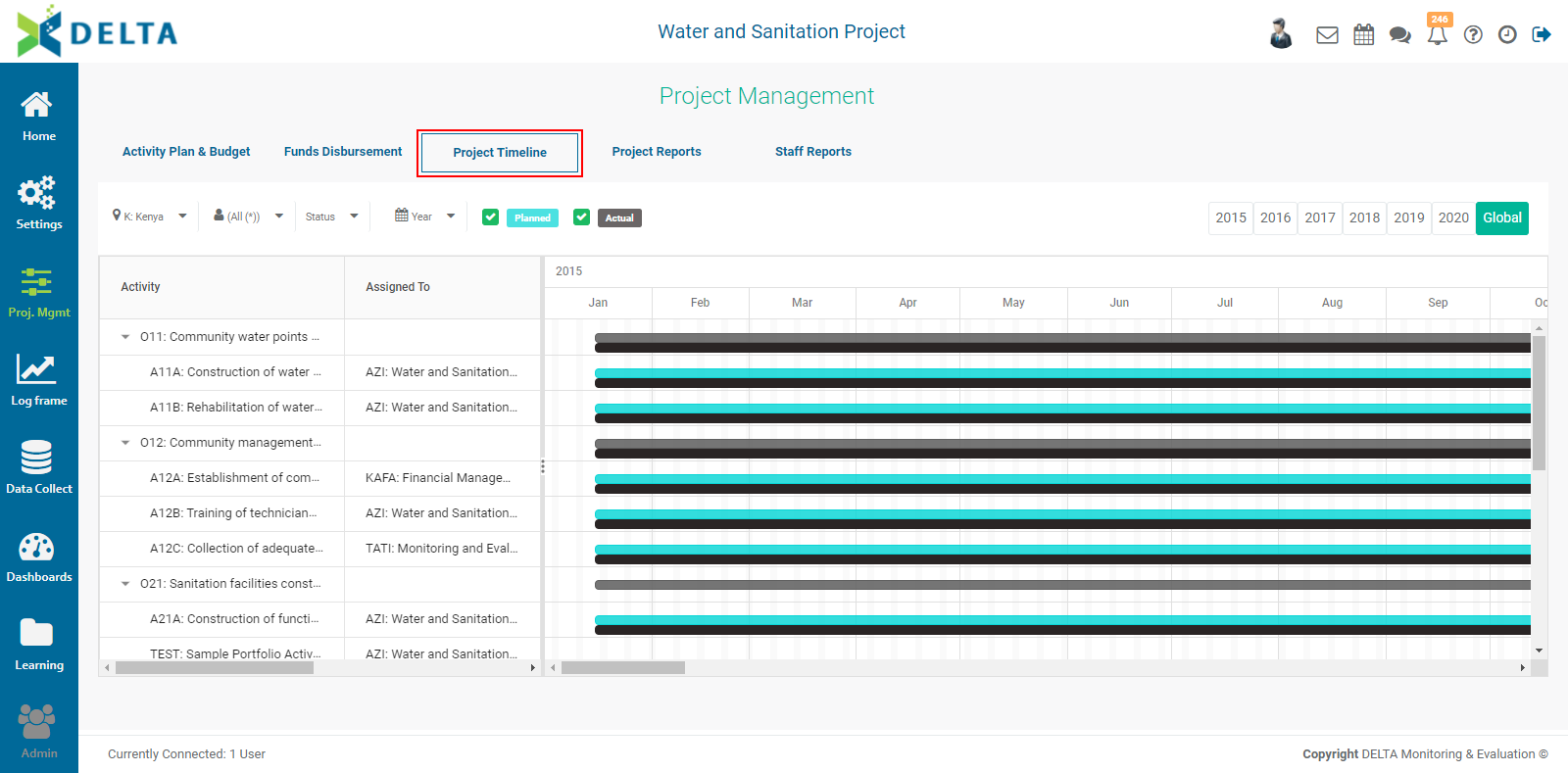
If the screen appears blank at first, verify that the correct locations are selected. To change locations or location levels, click the caret (v) next to the Location at top left.
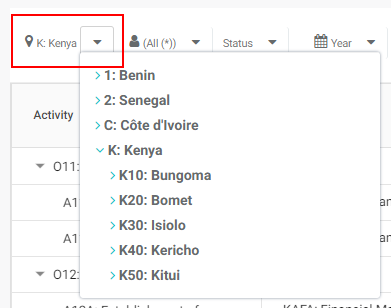
Select the correct location set - for example, a country - and view the resulting timeline.
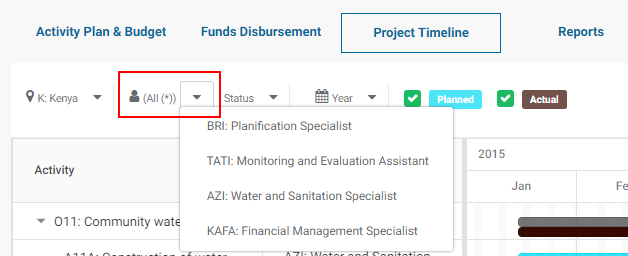
Click the caret next to the Stakeholders to filter the Gantt chart by stakeholder.
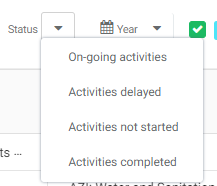
Click the caret next to Status to filter activities of the log frame by status.
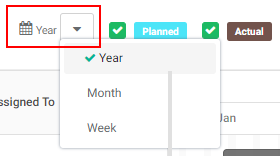
To select the detail of the timeline display, click the caret next to the calendar icon and select the desired time scale.
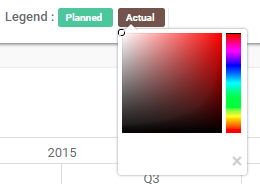
You can display both Planned and Actual timebars. Check/uncheck which you want to see. To change the color of the bars, click on their color label to bring up the color picker. Select a new color, or click the X at the bottom right of the color picker to dismiss it. Changes will be applied immediately in the Gantt chart.
The default view is Global. To view any year, select it from the time bar at top right.

Note that the two parts of the screen, the one containing the log frame/project plan and the one containing the Gantt chart itself, scroll independently of one another. Click, hold, and drag the vertical divider to reposition it.
Previous: PM: Funds Disbursement | Next: PM: Project Reports: Table Reports