Accessing Delta: Managing Your User Information
Delta allows you to make changes to your user information yourself, without the intervention of your system administrator. While logged into the system, you can access your user information by clicking on the small figure at top right in the main toolbar.

From the popup window, you can add or change your photo, change your password, and switch the language used by the system.
To add your photo, click Change Photo, then navigate to the image file you want to use, then click Open/OK to upload the image.
To change your password, click Change Password, then enter your current password, your new password, and confirm the new password by entering it a second time. Click OK to save your changes.
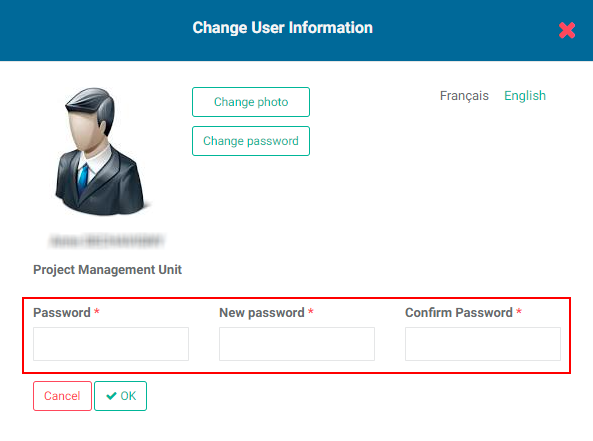
To switch languages, click the language you want to use. Delta currently supports English, French, Spanish, Portuguese and Arabic.
Previous: Accessing Delta: Language Switch | Next: Accessing Delta: Getting Started With Delta