Accessing Delta: How Do I Log Into Delta?
Delta's login screen is straightforward: enter the email and password provided to you by your system administrator when your account was created. NOTE: your screen may look different than the one depicted below, especially if you elected to brand your login screen, but the login function itself remains the same.

Enter your email address (User Name) and your password, and click the Login button. If you entered your credentials correctly, you'll be logged into the system and taken to the Portfolio page, the home page of the system.
NOTE: if you enter an incorrect password too many times, your account will be locked and you'll have to contact your system administrator to unlock it. The number of times you can enter an incorrect password without getting locked out is set by your administrator.
NOTE: if your credentials have expired, you'll get the following error message:
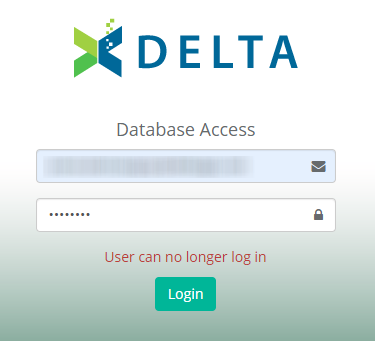
If this occurs, contact your system administrator to have them extend your credentials. If you're a system superuser, we suggest you check your user profile from time to time to make sure your credentials are not near expiry.